


TL;DR: Magnetic charging does not directly harm your iPhone's battery. The magnets in MagSafe and MagSafe-compatible accessories are passive alignment tools — they have no effect on lithium battery chemistry. The real variable is heat, which wireless charging does produce slightly more of than wired charging. With simple habits — avoiding thick cases, not charging in hot environments, and using a quality MagSafe battery pack for short top-ups rather than overnight sessions — you can use magnetic charging every single day without meaningfully shortening your iPhone's battery lifespan.

Does Magnetic Charging Affect Battery Life? The Direct Answer
The short answer: the magnets themselves do not affect battery life at all. MagSafe and MagSafe-compatible battery packs use a ring of neodymium magnets — the same type found in watch clasps, laptop lids, and speaker grilles — purely for alignment. They create no electrical field that touches your iPhone's battery cell. The charging itself is wireless inductive power transfer, governed entirely by the coils, the charge controller inside your phone, and heat.
So if you've read a forum post claiming magnetic charging "scrambles" your battery or accelerates degradation through magnetism, you can set that concern aside. It doesn't hold up to the underlying physics.
The more nuanced question — and the one worth answering carefully — is whether wireless charging as a whole is harder on your battery than plugging in a cable. Here, the answer is: slightly, if you do it carelessly. But easily manageable with the right habits.
How Lithium Batteries Actually Degrade (and What Causes It)
To understand whether magnetic charging affects battery life, you first need to understand what actually degrades a lithium-ion or lithium-polymer battery. Every iPhone since the iPhone 6 has used a lithium-based cell, and all lithium cells degrade through the same set of mechanisms:
- Charge cycles: Each time you deplete and replenish a battery, microscopic wear accumulates inside the cell. Apple rates iPhone batteries to retain at least 80% of their original capacity after 500 complete charge cycles — a standard that reflects real-world use over roughly two years for most people.
- Heat: Elevated temperatures accelerate the chemical reactions that break down battery materials. Sustained heat above roughly 35°C (95°F) during charging is widely documented as one of the most significant accelerators of long-term capacity loss.
- High-state-of-charge storage: Keeping a battery at or near 100% for extended periods — like leaving your phone on a charger overnight, every night — adds stress to the cell over time. Apple's Optimized Battery Charging feature addresses this specifically.
- Deep discharge: Regularly draining your phone to 0% before recharging is harder on a lithium cell than keeping it in a mid-range state of charge.
Notice what's not on that list: magnetic fields. Magnetism is simply not a factor in lithium battery chemistry under normal consumer use conditions.
Does Wireless Charging Degrade iPhone Battery Faster Than Wired?
This is the question underneath the question — and it deserves a straight answer. Wireless charging, including MagSafe, is inherently less efficient than wired charging. Energy is lost as heat during inductive power transfer. That means your iPhone's charging coil and the back of the phone get slightly warmer during wireless charging than they would during a wired session at a comparable power level.
That extra heat is real, but context matters enormously:
- Modern iPhones have thermal management systems that throttle charging speed when temperatures climb, specifically to protect battery health.
- The difference in heat between a brief wireless top-up and a wired charge is modest under normal conditions.
- The scenarios that cause meaningful heat — charging while playing graphics-intensive games, leaving your phone face-down on a fabric surface with no airflow, or stacking a thick case between phone and charger — are avoidable regardless of whether you're charging wirelessly or wired.
The honest summary: wireless charging is not dramatically worse for battery health than wired charging when used sensibly. The gap narrows further when you use wireless charging for short top-ups during the day rather than sustained overnight charges.
Does MagSafe Specifically Damage Battery Health?
MagSafe, as Apple's branded magnetic wireless charging ecosystem for iPhone 12 and later, operates at higher wattages than standard Qi wireless charging. Higher wattage means faster charging — and potentially more heat during that faster session. Apple's Optimized Battery Charging feature, which learns your charging schedule and slows the final portion of a charge to reduce time spent at 100%, applies to MagSafe charging just as it does to wired charging.
MagSafe-compatible battery packs — which use the same N52 neodymium magnet ring for alignment but are not Apple-licensed — typically charge at Qi wireless speeds rather than the higher MagSafe speeds. This is relevant because it means the heat generated is generally lower than a first-party MagSafe charger at full speed, while alignment remains precise thanks to the magnet array.
In everyday use, MagSafe does not meaningfully damage battery health beyond what any wireless charging method would do. The key variables remain the same: heat management, charge level habits, and avoiding sustained charging in poor thermal conditions.

Is It Bad to Use a MagSafe Battery Pack All Day?
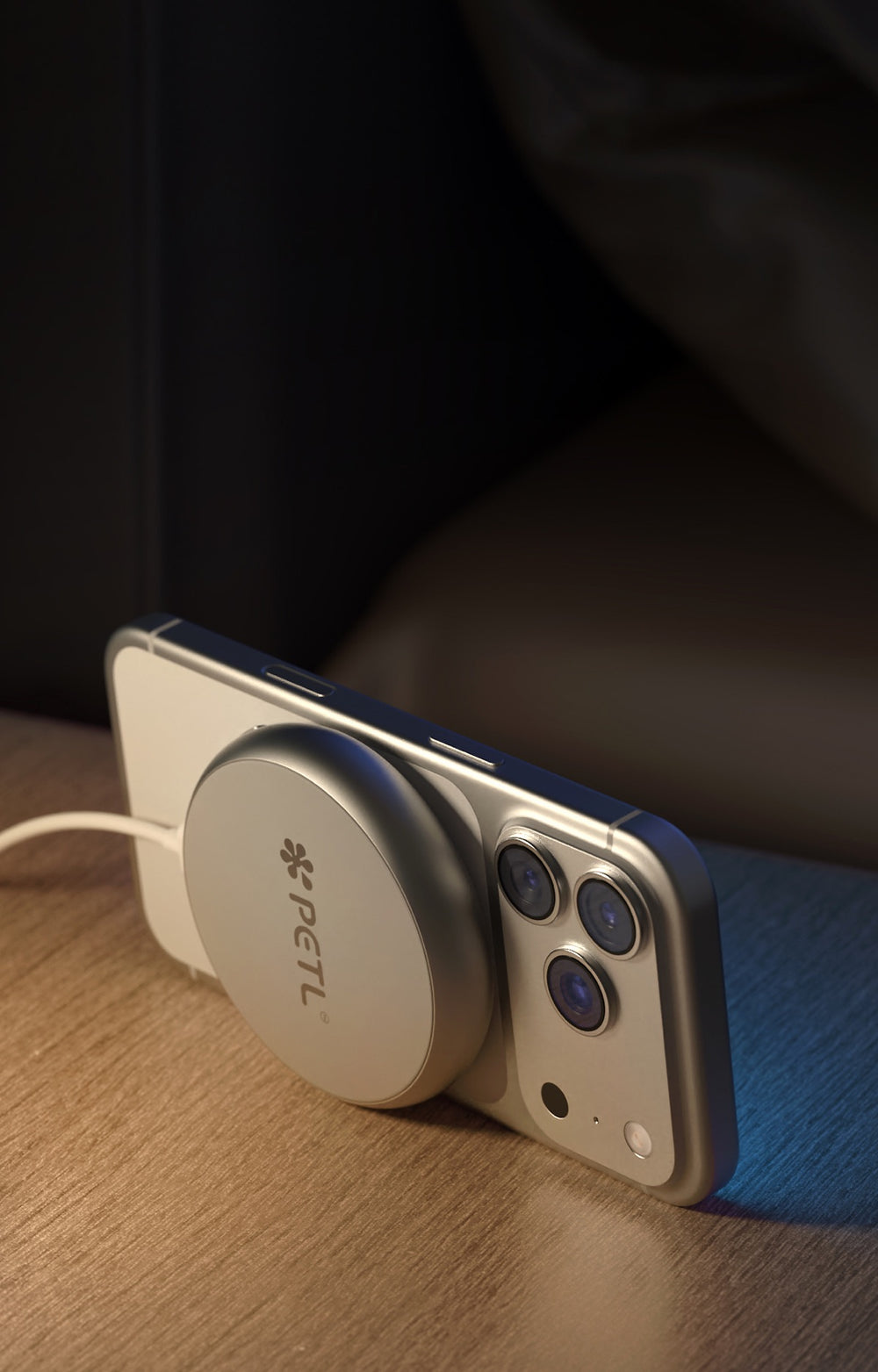
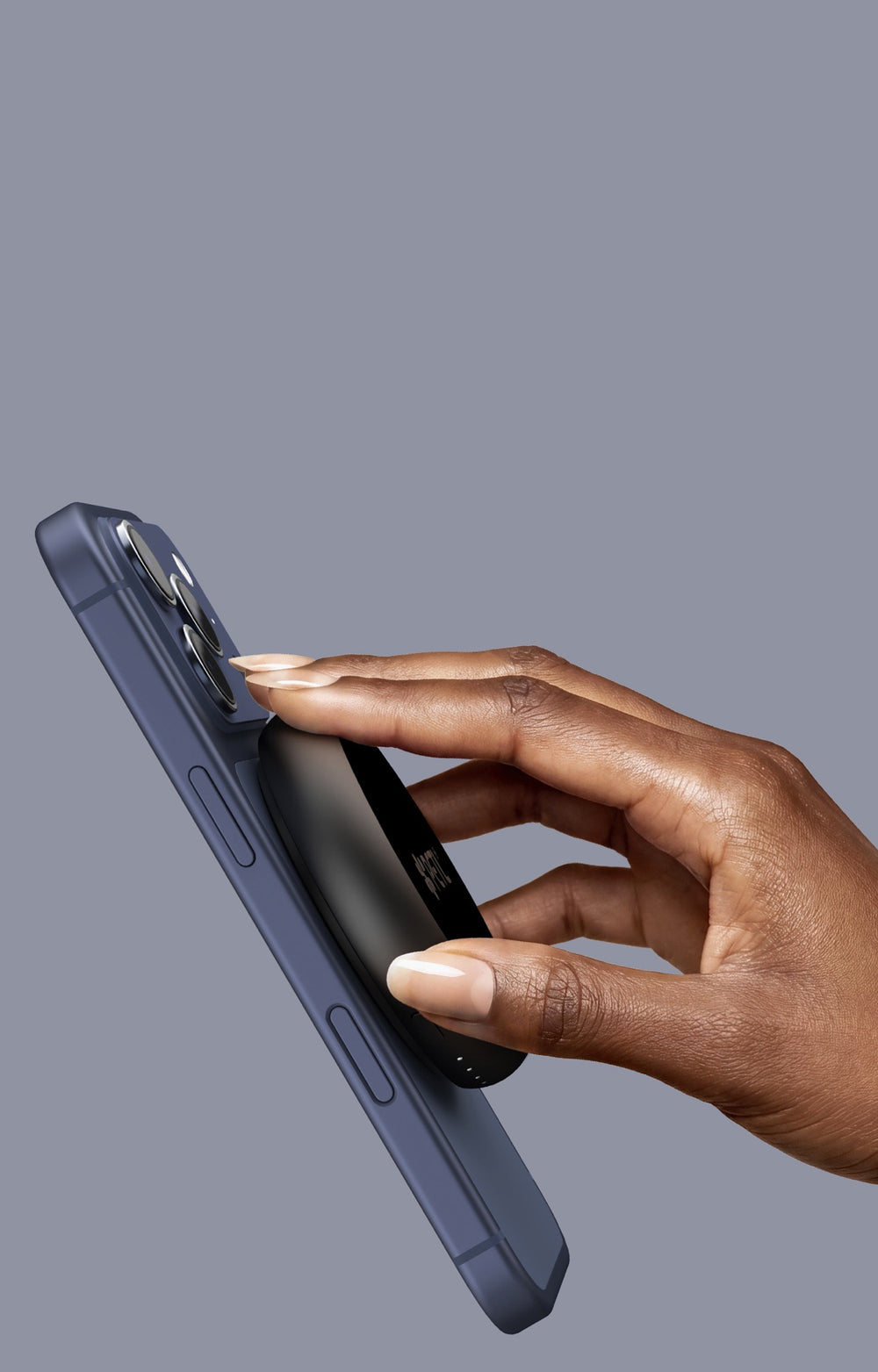
This is where the conversation gets genuinely useful for anyone considering a round MagSafe battery pack as part of their daily carry. The honest answer is: daytime top-up charging from a MagSafe battery pack is one of the gentler charging patterns for your iPhone's long-term health.
Here's why. A portable battery pack naturally delivers short, moderate charging sessions — you snap it on at 25%, it tops you up to 65% or 75%, and then it's depleted and you detach it. That pattern is almost ideal from a battery chemistry standpoint:
- You're spending time in the mid-charge range (20–80%) rather than pushing to 100%.
- Sessions are brief, so heat buildup is limited.
- You're not leaving the phone on a charger overnight generating sustained heat for six to eight hours.
Contrast this with the "plug in at bedtime, unplug in the morning" habit — which many iPhone users default to. That pattern keeps the battery at or near 100% for hours, in a potentially warm environment (under a pillow, against a nightstand charger), every single night. Over time, that's harder on the cell than a dozen brief wireless top-ups throughout the day.
Practical Tips for Protecting iPhone Battery Health with Magnetic Charging
Whether you're using MagSafe, a Qi2 charger, or a MagSafe-compatible battery pack, these habits make a measurable difference:
- Remove thick or insulating cases before charging wirelessly. Heavy cases trap heat between the charger and your phone. If you use a case, choose one designed for MagSafe compatibility — it'll have a cutout or thin material at the charging area to allow heat to dissipate.
- Enable Optimized Battery Charging in iOS. Go to Settings → Battery → Battery Health & Charging and ensure Optimized Battery Charging is on. This feature holds the final charge to 80% and only tops to 100% when iOS predicts you'll need it — dramatically reducing time spent at high charge levels.
- Charge face-up on a hard surface, not face-down on fabric. Face-up charging allows heat to escape from the front display. Face-down on a bed or sofa traps heat against both the back of the phone and the charger.
- Aim to keep your iPhone between 20% and 80% throughout the day. Lithium cells are most stable in the mid-range. Use your battery pack to stay topped up rather than letting the phone drop near zero before intervening.
- Don't charge wirelessly in direct sunlight or hot environments. A phone sitting in the sun through a car windshield is already stressed. Adding wireless charging heat on top is the combination most likely to trigger thermal throttling and long-term wear.
- Snap off your MagSafe battery pack once your phone is comfortable. You don't need to wait until the pack is empty. Top up, detach, carry on.
Does the Shape of a MagSafe Battery Pack Matter for Heat and Alignment?
It matters more than most people realize. Alignment between the charging coils in the pack and the charging coils in your iPhone directly affects charging efficiency. Poor alignment means more energy is lost as heat and less reaches the battery. This is exactly why magnetic alignment systems exist — the magnet ring centers the coils precisely, improving efficiency compared to standard Qi pads where you can place the phone slightly off-center.
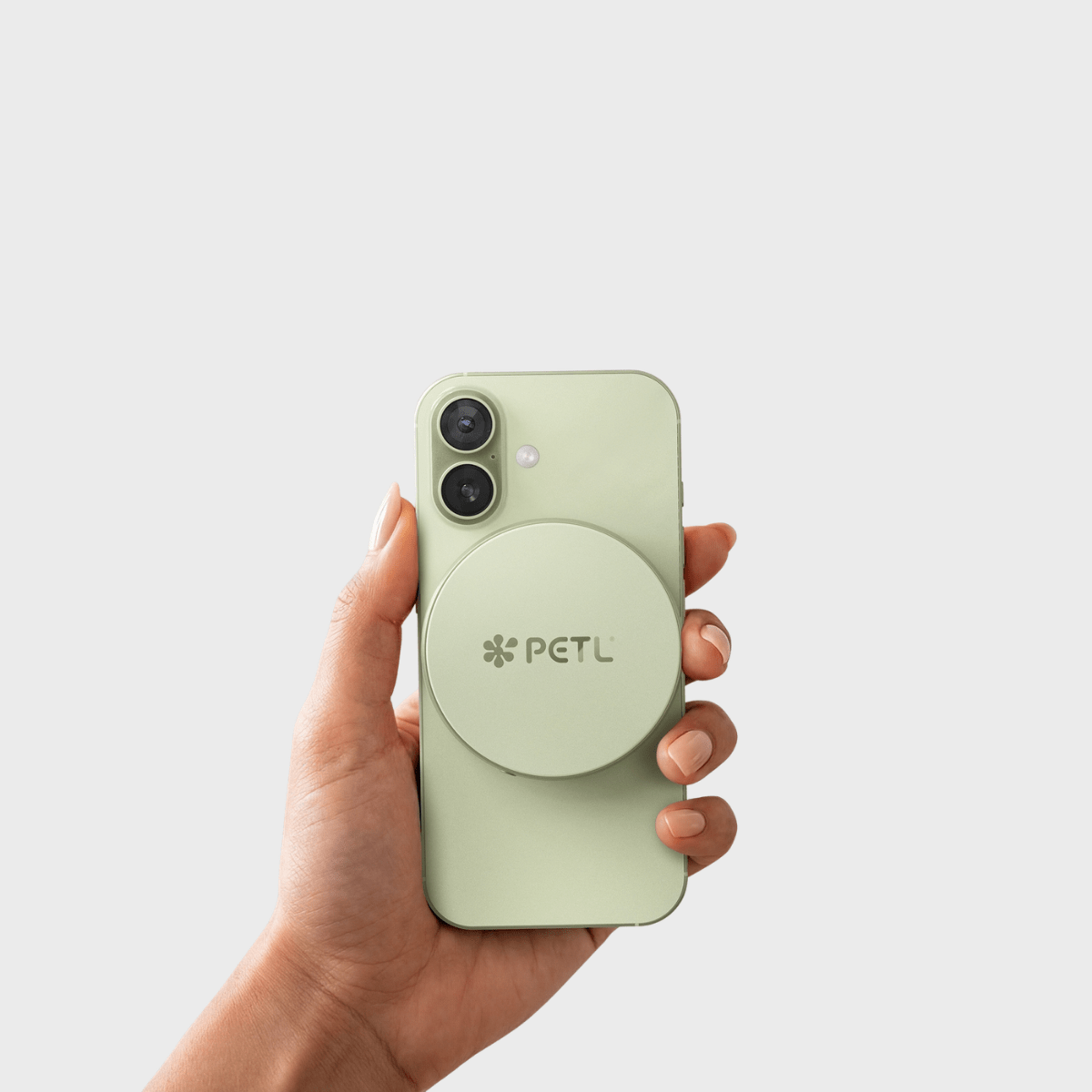
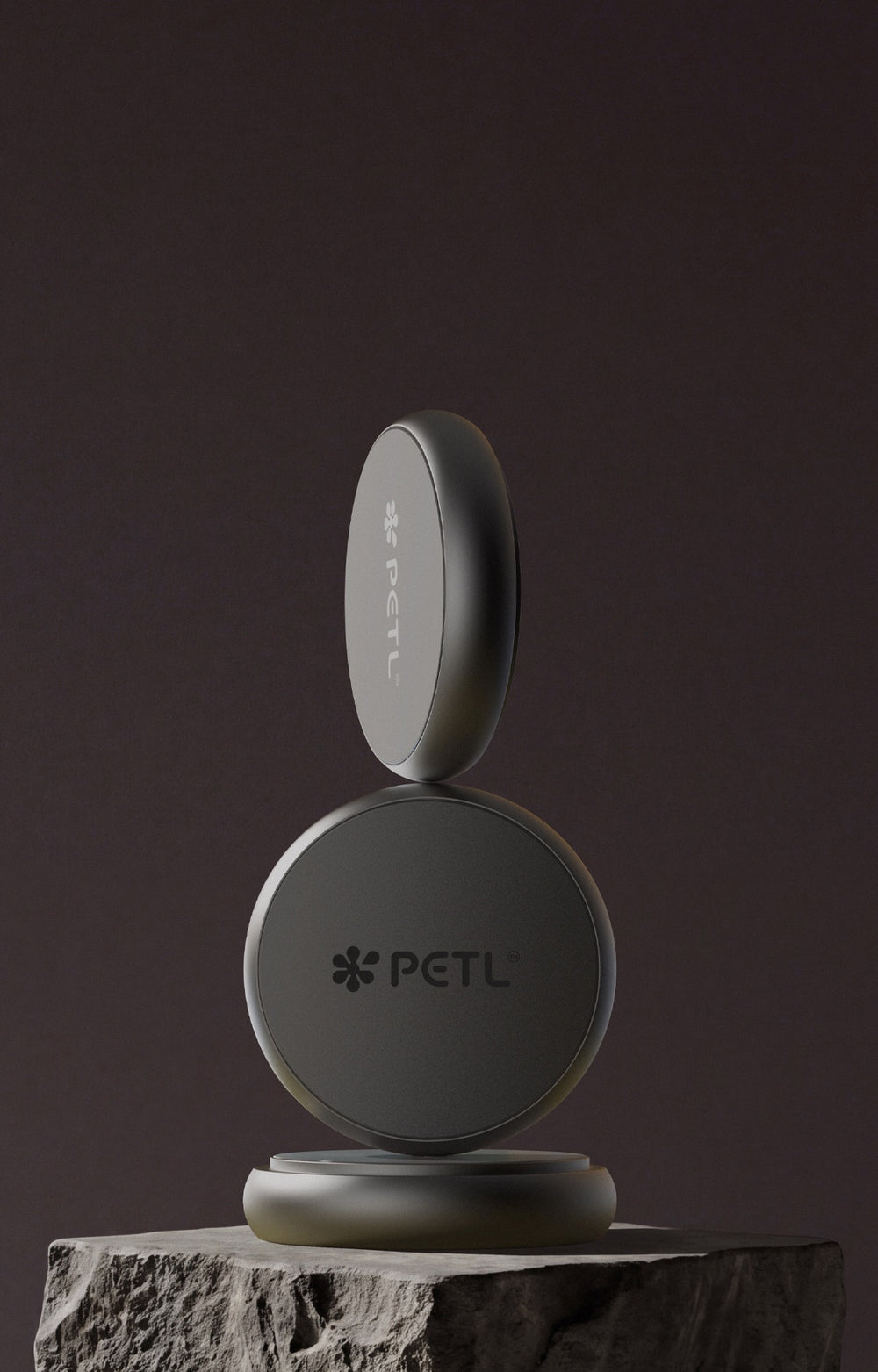
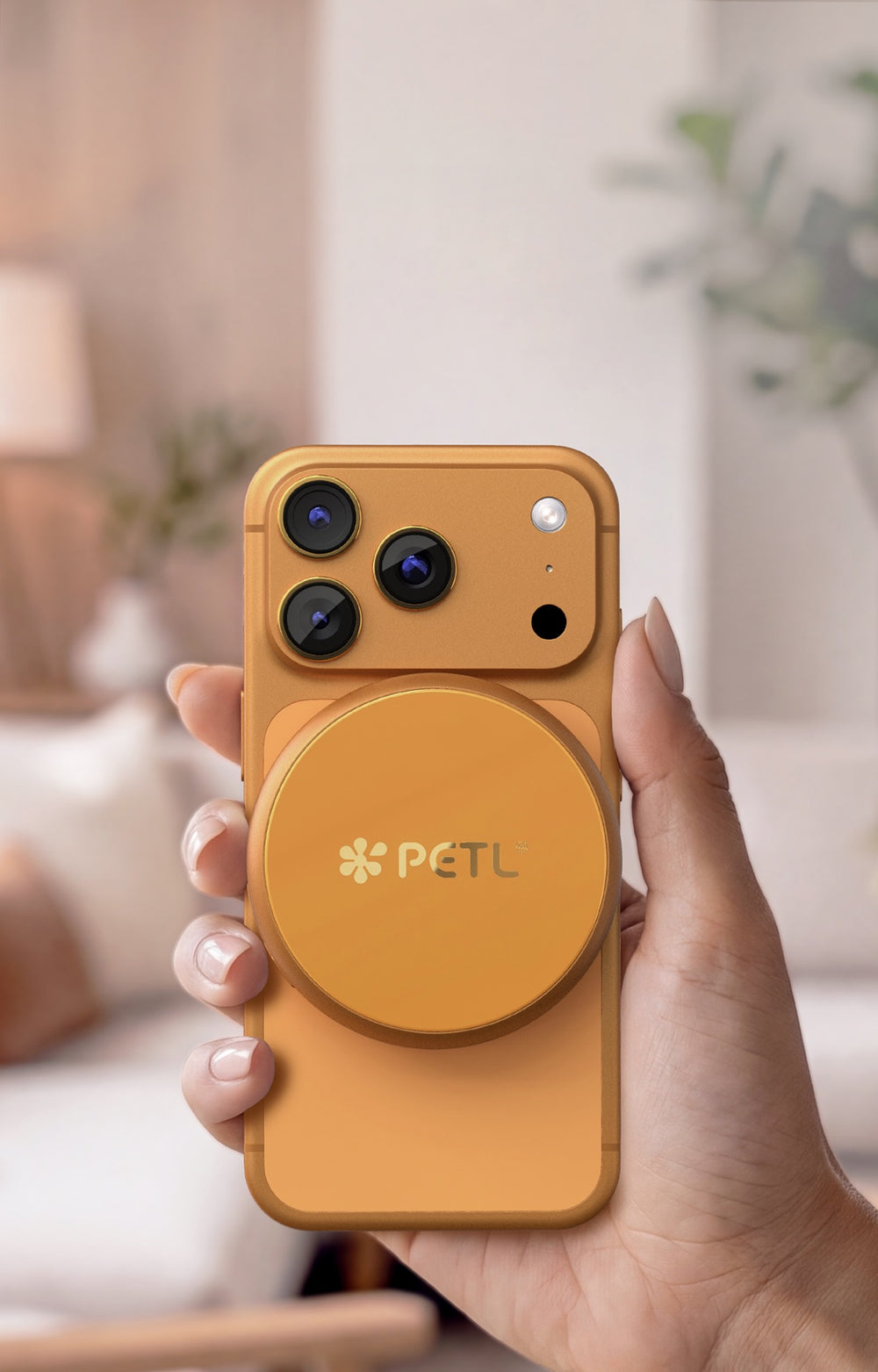
A circular MagSafe-compatible battery pack takes this logic to its natural conclusion. The circular footprint mirrors the actual shape of the charging area on the back of an iPhone — there's no rectangular overhang, no gap between pack edge and phone edge, and no wasted thermal mass. PETL's disc-shaped MagSafe-compatible battery pack was designed around this insight: a round pack sits centered, sits flush, and sits securely — which means consistent coil alignment and the heat dissipation benefits that come with it.
The PETL's N52 neodymium magnets create a firm, reliable snap that holds through pocket movement, commutes, and casual use without shifting or misaligning. The result is a more efficient wireless charge — and a cooler one — than you'd typically get from a pack with weaker magnets or a form factor that doesn't match the phone's charging geometry.
Which PETL Battery Pack Is Right for Your Charging Habits?
PETL makes two sizes, and being honest about who each one serves is more useful than overselling either of them.
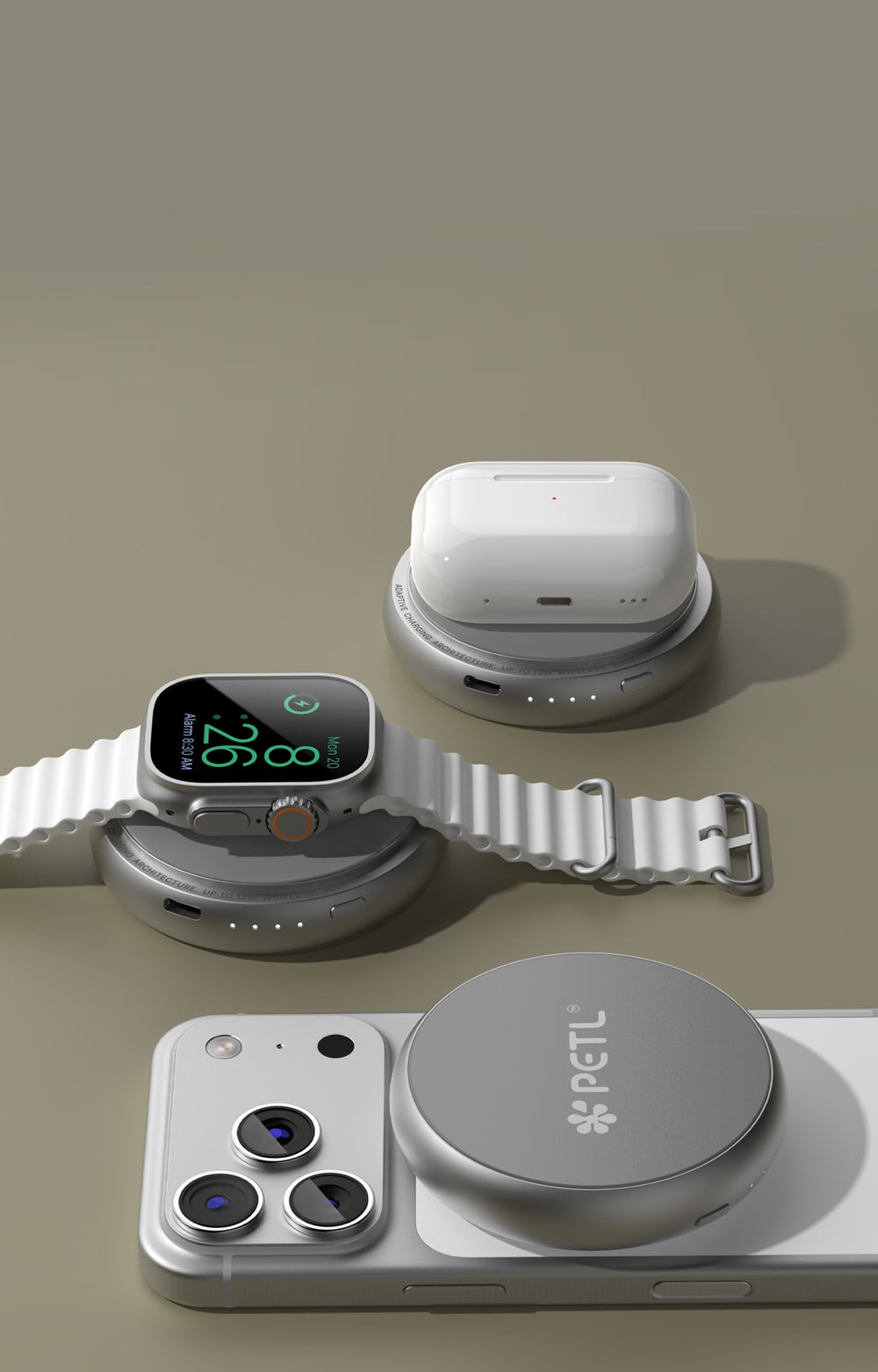
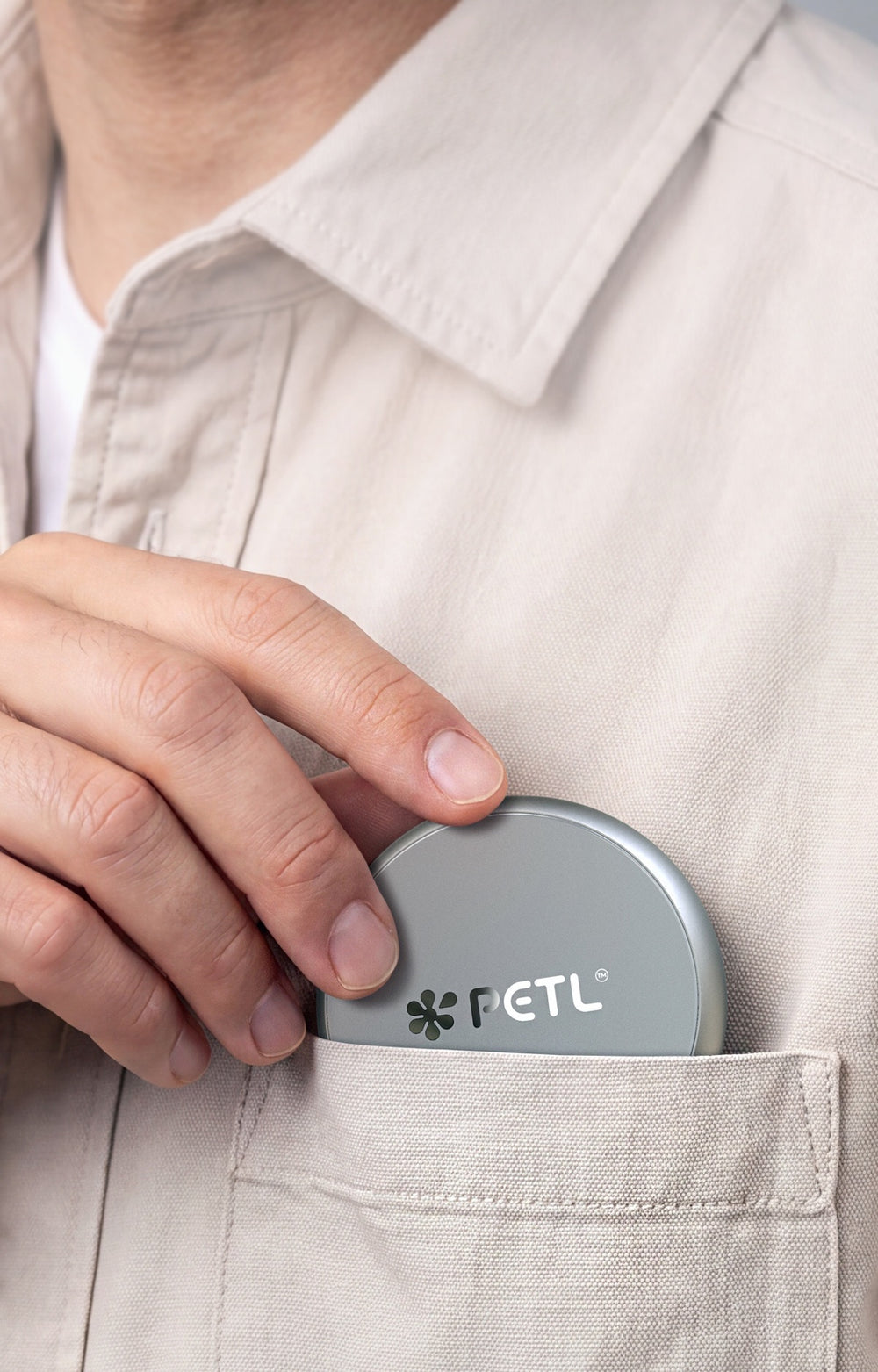
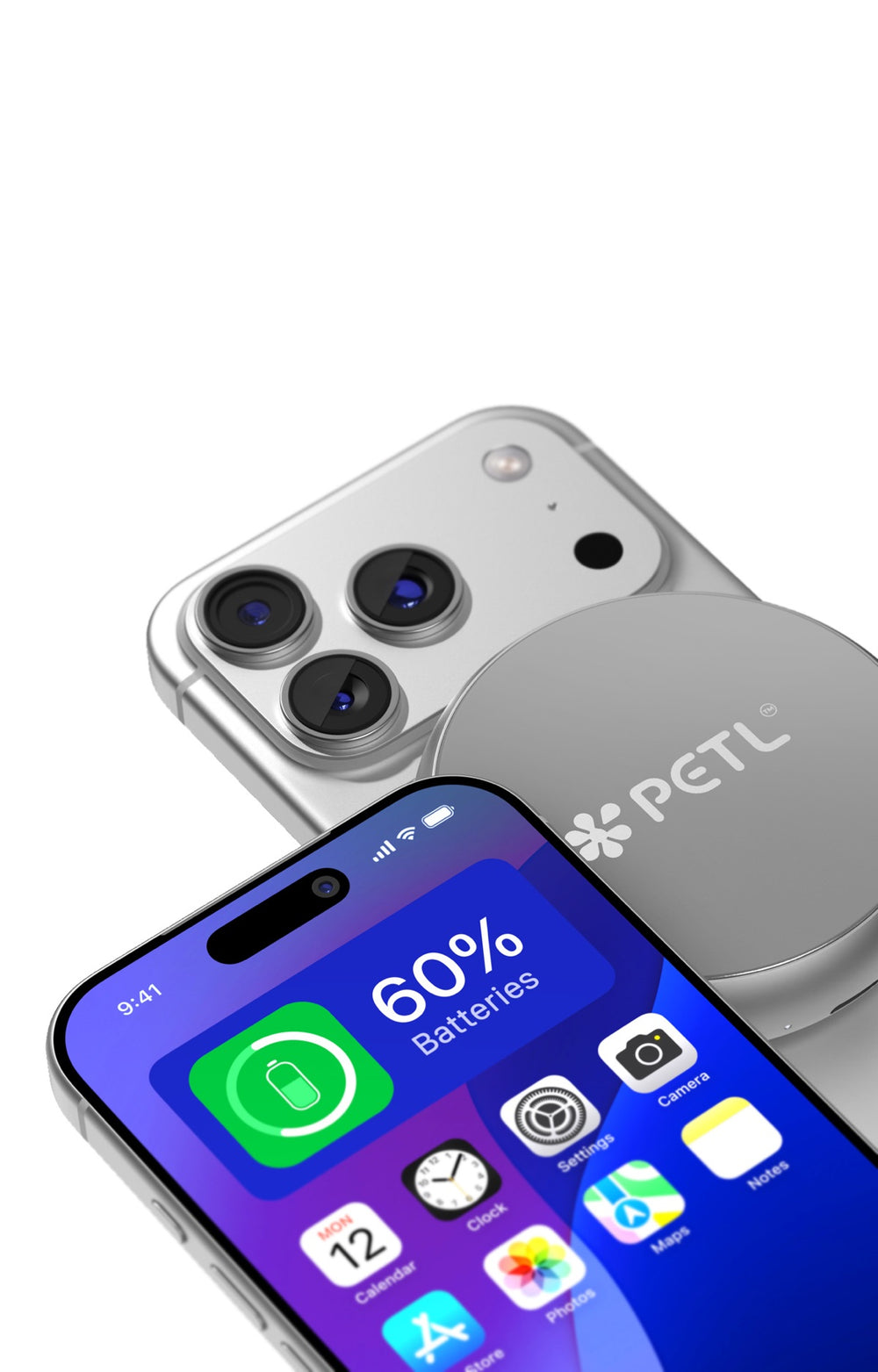
The original PETL (3,000 mAh) — priced at $64.95 is built for confident daytime top-ups. It's coin-slim at 70mm wide and 14mm thin — small enough to pocket alongside your iPhone without noticing it's there. Snap it on at your desk, during your commute, or at the airport, grab 10 extra hours of talk time, and detach when you're comfortable. It also charges Apple Watch and AirPods wirelessly, replacing the tangle of cables most Apple users carry. It appears natively in the iOS battery widget — no app, no setup. It is not the right choice if you need to fully recharge a dead iPhone from 0% twice in a day without access to power. That's a real limitation, and it's worth naming.
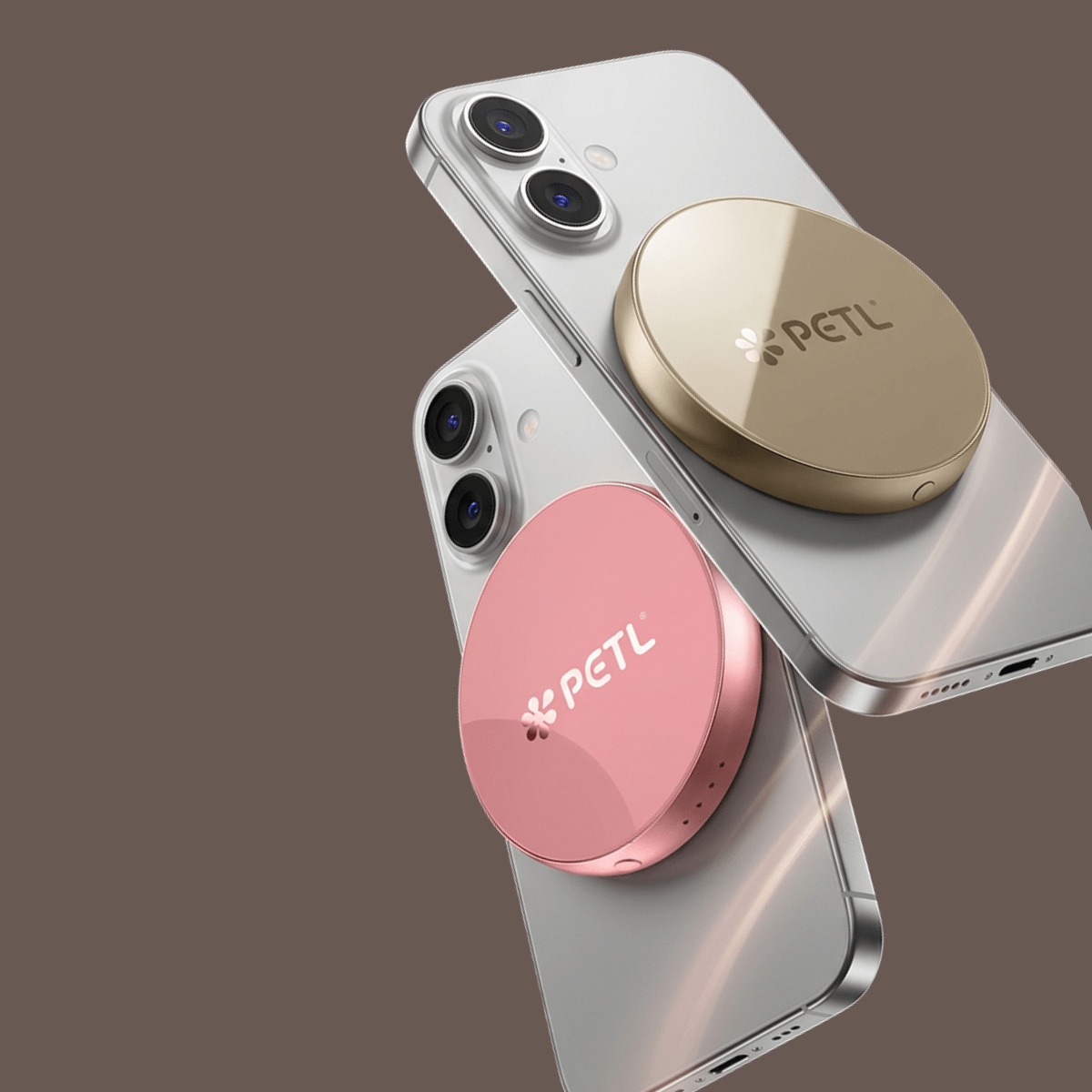
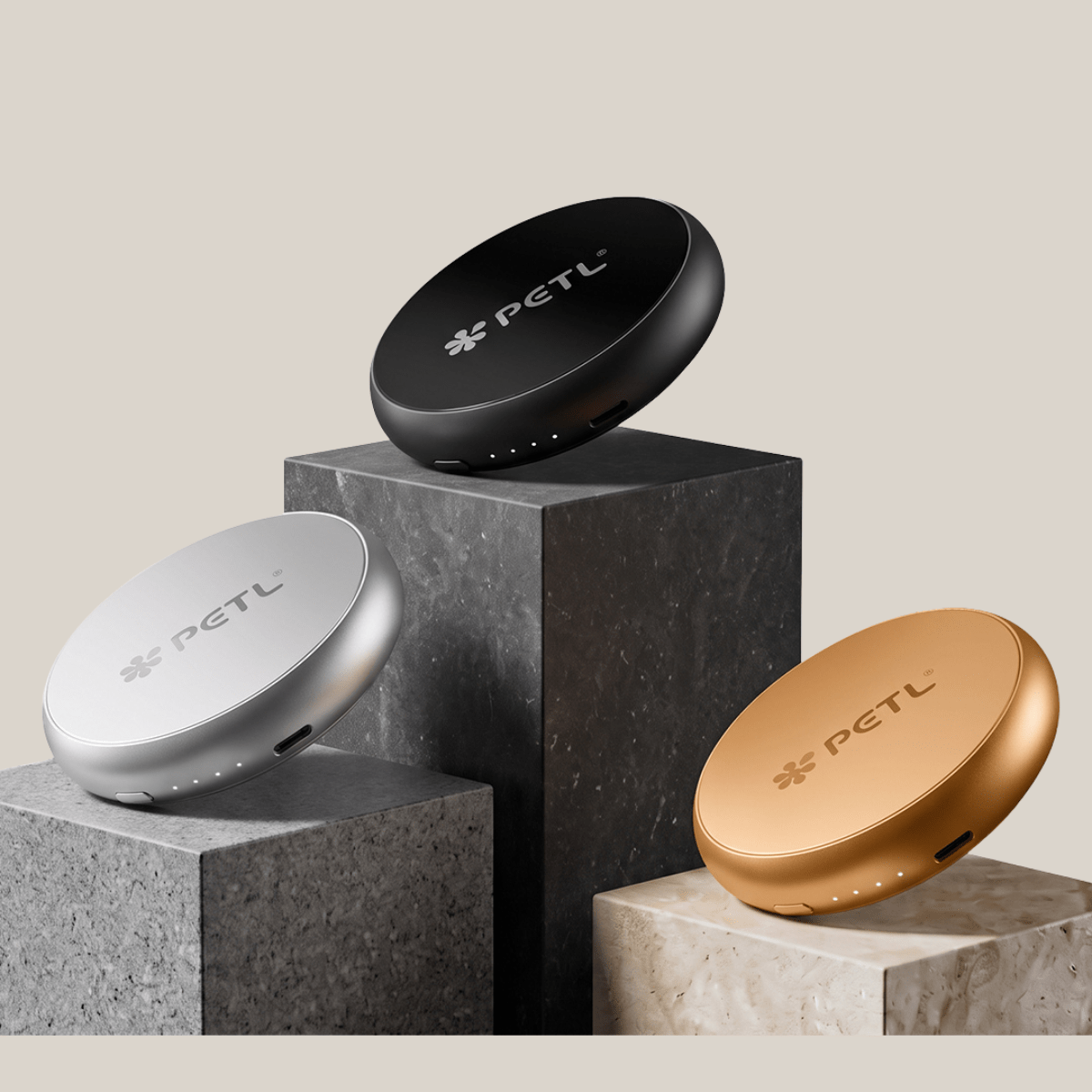
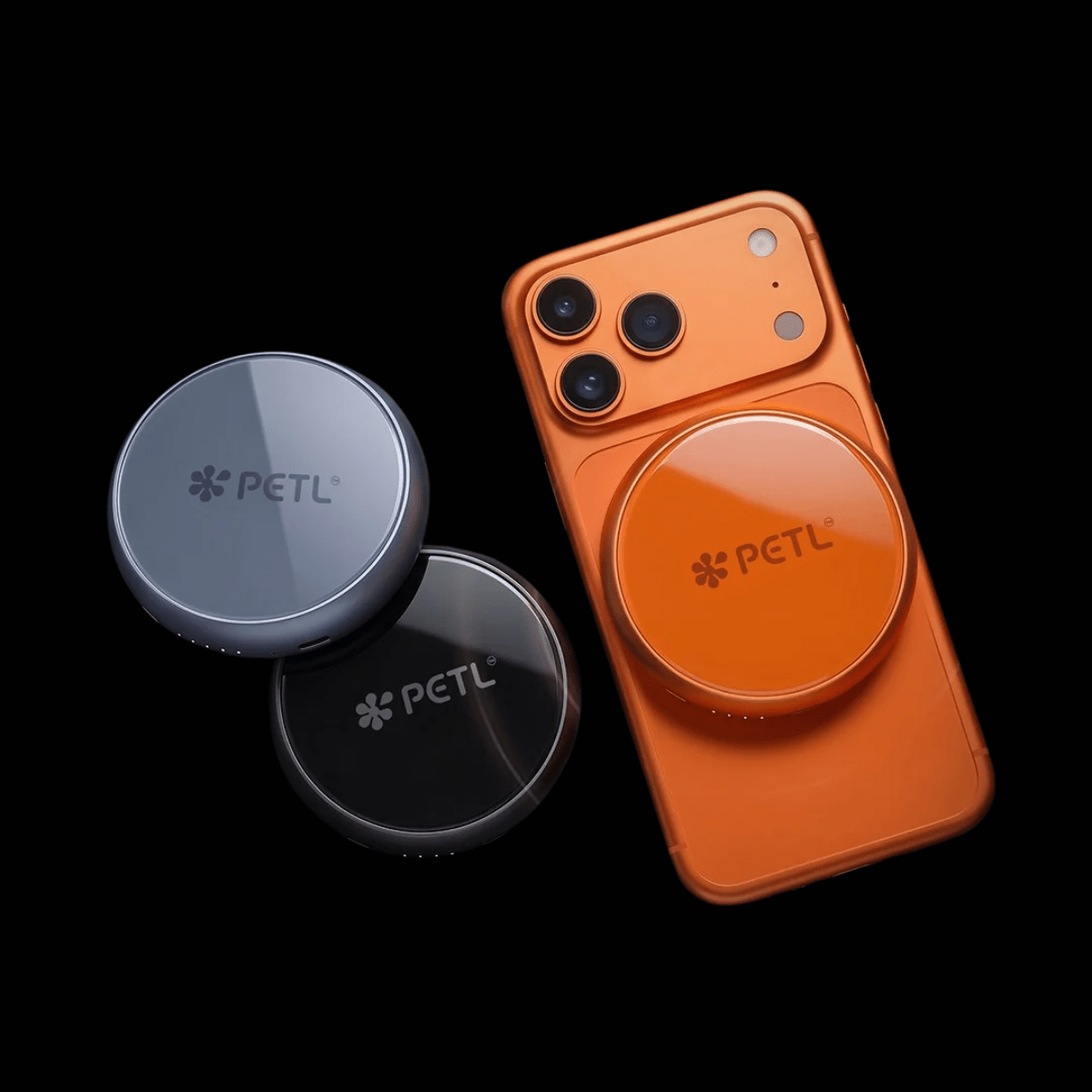
The PETL 2 Plus (5,000 mAh) — priced at $89.95 steps up for longer days and heavier users. At 72.5mm wide and 16.2mm thin — still genuinely pocketable — it offers near-full iPhone recharge capacity and up to 15 extra hours of talk time. The CNC-machined aluminum and tempered glass construction (available in Cosmic Orange, Slate, and Space Black) makes it feel more like a considered accessory than a gadget. For travel days, back-to-back meetings, or anyone who regularly ends the day below 30%, the 2 Plus is the right call.
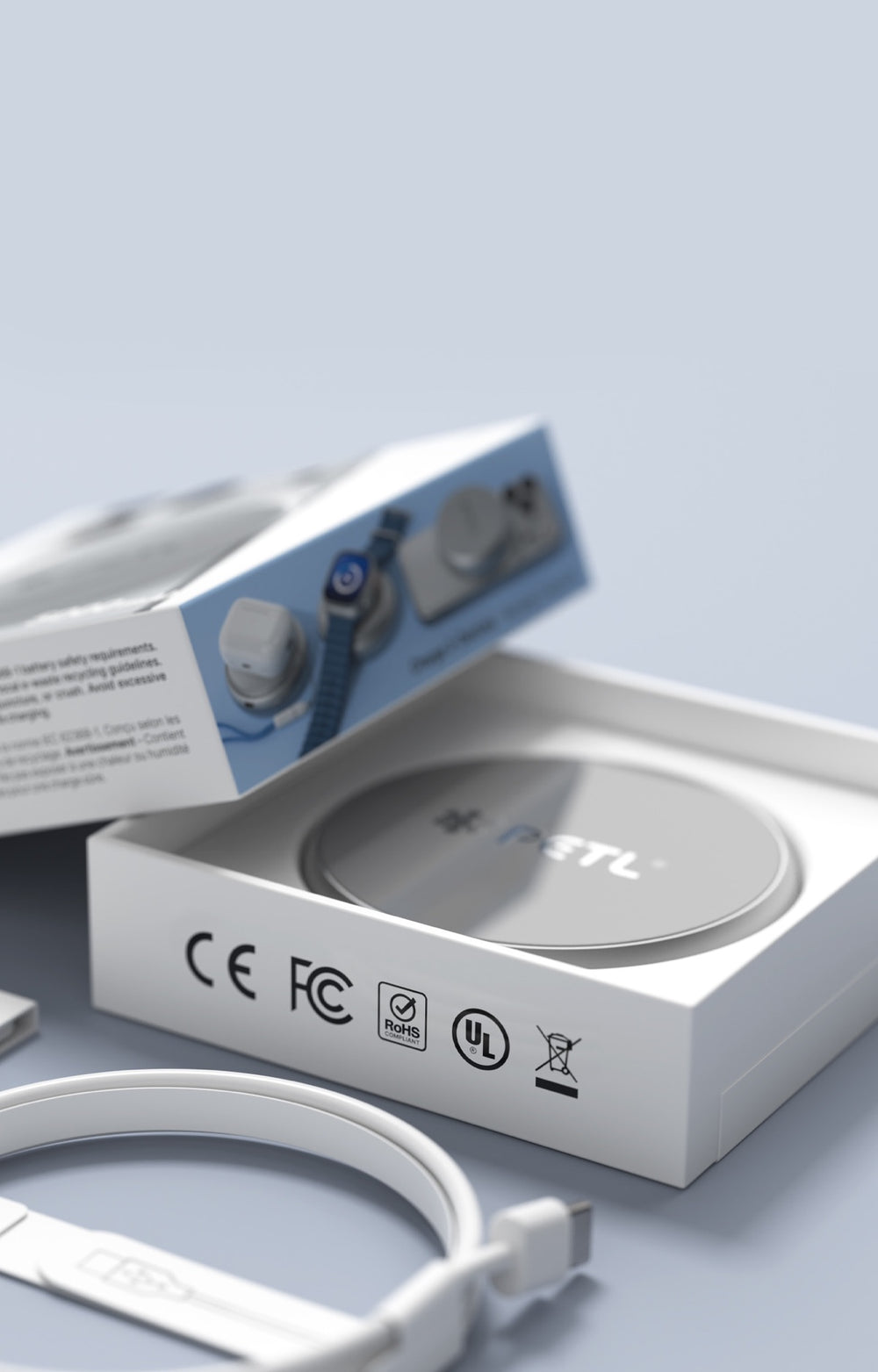
Both sizes charge iPhone, Apple Watch, and AirPods wirelessly — no cables, no adapters, no separate accessories to pack.
The Bottom Line: Is Magnetic Charging Safe for Your iPhone Battery?
Yes — with the right habits. The magnetic alignment system in MagSafe and MagSafe-compatible battery packs is not a source of battery degradation. Heat is the genuine concern with any wireless charging method, and it's a manageable one. Short top-up sessions, good airflow, Optimized Battery Charging enabled in iOS, and staying in the 20–80% charge range are the practices that protect your battery over years of daily use — regardless of whether you plug in or snap on.
A well-designed MagSafe battery pack used thoughtfully throughout the day is not a threat to your iPhone's battery health. In many ways, the top-up charging pattern it encourages is gentler on your battery than the overnight-on-the-charger habit most iPhone users default to.
If you want to explore PETL's circular MagSafe-compatible battery packs — designed for exactly this kind of everyday, battery-friendly wireless charging — you can browse both sizes at gopetl.com.
Frequently asked questions
Does magnetic charging affect battery life on iPhone?
No — the magnets in MagSafe and MagSafe-compatible battery packs are purely for alignment and have no effect on lithium battery chemistry. The only factor that wireless magnetic charging adds relative to wired charging is a modest amount of extra heat during inductive power transfer. With sensible habits — good airflow, Optimized Battery Charging enabled, and short top-up sessions — this heat difference is negligible and your battery health is well protected.
Is wireless charging worse for iPhone battery than wired charging?
Slightly, in theory — wireless charging is less efficient than wired and generates a bit more heat in the process. In practice, the difference is small and easily offset by good habits: charging in moderate temperatures, keeping your phone out of insulating cases during wireless charging, and using short top-up sessions rather than sustained overnight charges. Apple's Optimized Battery Charging feature also applies to wireless sessions, further reducing stress on the cell.
Does MagSafe degrade battery health faster?
Not meaningfully, when used with normal precautions. First-party MagSafe charges at higher wattage, which can generate more heat than standard Qi wireless charging. MagSafe-compatible battery packs typically operate at Qi speeds, keeping heat lower while maintaining precise magnetic alignment. Enable Optimized Battery Charging in iOS Settings and avoid charging in hot environments, and MagSafe will not noticeably accelerate battery degradation compared to wired charging over the long term.
Is it bad to use a MagSafe battery pack all day?
No — daytime top-up charging from a MagSafe battery pack is actually one of the gentler patterns for your iPhone battery. Brief sessions that keep your charge in the 20–80% range are easier on lithium cells than sustained overnight charging at 100%. A portable MagSafe battery pack naturally encourages this healthier pattern: snap it on, top up, detach.
Can magnets damage an iPhone battery directly?
No. Consumer-grade neodymium magnets — including the N52-grade magnets used in MagSafe and MagSafe-compatible accessories — do not affect lithium battery chemistry. They have no electrochemical interaction with the battery cell. This is a common misconception; the magnets in MagSafe are passive alignment tools, nothing more.
What is the healthiest way to charge an iPhone wirelessly?
Keep your iPhone in the 20–80% charge range as much as possible, enable Optimized Battery Charging in iOS settings, charge on a hard surface face-up for good heat dissipation, remove thick insulating cases during wireless charging, and avoid charging in hot environments like direct sunlight. Using a MagSafe-compatible battery pack for short daytime top-ups — rather than leaving your phone on a charger overnight — fits this healthy pattern well.
Share:
Best MagSafe Battery Pack for iPhone Duo: Complete Guide
Best MagSafe Power Bank for iPhone Duo: What to Know Before You Buy