


TL;DR: Yes, MagSafe can make your phone — and your battery pack — feel warm, and that's completely normal physics. Wireless charging is slightly less efficient than a cable, and the lost energy becomes heat. PETL is engineered with NTC thermal management that automatically throttles charging at 55 °C and cuts off entirely at 60 °C, keeping warmth in a safe, controlled range. If your PETL ever feels genuinely hot to the touch, smells, swells, or shuts off repeatedly, stop using it and contact our support team.

Does MagSafe make your phone hot?
It's one of the most common questions we get, and the short answer is: a little warmth, yes — a dangerous level of heat, no. When PETL charges your iPhone over MagSafe, power is transferred wirelessly through magnetic induction. No wireless transfer is ever 100% efficient, so a small amount of energy is always released as heat — on both the battery pack and the phone. That mild warmth is a sign the system is working, not a sign something's wrong.
What you should not experience is a device that becomes painful to hold, gives off any odor, or shows physical swelling. Those are different situations entirely, and we cover them below.
Has there been any news about overheating issues with MagSafe battery packs from top manufacturers?
This is a fair question — and it's one more iPhone users are searching for as wireless charging becomes the norm. Here's an honest answer:
Occasional warmth complaints exist across the category, including reports tied to Apple's own MagSafe Battery Pack and third-party options. The root causes typically fall into a few buckets: low-quality coils that waste more energy as heat, poor power regulation that pushes maximum wattage regardless of what the device needs, and inadequate thermal management that lets temperatures climb without intervention.
PETL is designed to avoid all three. Our NTC thermal sensing monitors internal temperature in real time and responds automatically — throttling wireless output at 55 °C and cutting it off entirely at 60 °C before temperatures can become unsafe. That's not a marketing claim; it's a hardware specification. Combined with intelligent power delivery (5W, 7.5W, or 10W depending on your device), PETL never pushes more current than your iPhone actually needs.
The broader industry pattern: packs that overheat tend to be those with misaligned coils, no active thermal management, or cells crammed into housings without adequate thermal pathways. The CNC aluminum bezel on PETL acts as a passive heat sink, helping dissipate warmth naturally even before the active throttling kicks in.
Why does a wireless battery pack get warm in the first place?
Heat is a natural byproduct of moving energy. A few things make that warmth more noticeable:
- Wireless charging vs. a cable. Inductive charging naturally runs warmer than a direct USB-C connection. PETL's tested wireless efficiency reaches up to 89.3%, which is strong — but the remaining energy still shows up as mild heat.
- Charging and discharging at once. PETL can recharge itself over USB-C while powering your iPhone simultaneously. Doing both at the same time means more energy is moving, which means a bit more warmth.
- A warm environment. Charging in direct sunlight, in a hot car, or under a thick case traps heat and makes the pack feel warmer than it would in open air.
- High-power charging. PETL intelligently switches between 5W, 7.5W, and 10W depending on your device. Faster charging moves more energy in less time — and a little more heat with it.
In short: if PETL is doing its job, a touch of warmth is a sign it's working, not a sign something's wrong.

What's normal — and what isn't
Normal: PETL feeling warm or slightly hot to the touch during active charging, especially during the first part of a charge or when powering and recharging at the same time. It should cool down once charging completes or eases off.
Not normal: A pack that becomes too hot to comfortably hold, gives off any odor, shows physical swelling or deformation, or repeatedly shuts off mid-charge. If you experience any of these, stop using it immediately and reach out to PETL support.
How PETL is engineered to manage heat
Safety isn't an afterthought at PETL — it's built into the hardware.
While heat is an inherent byproduct of battery function, especially during wireless charging, PETL is engineered with uncompromising safety protocols. The device uses redundant thermal sensing that actively samples the battery's temperature in real time. This continuous monitoring ensures that while mild warmth is normal, overheating and thermal runaway are effectively prevented.
On the spec side, that protection is backed by:
- NTC thermal management. PETL continuously monitors internal temperature and responds automatically — throttling wireless charging at 55 °C and cutting off charging entirely at 60 °C to keep the cell in a safe range.
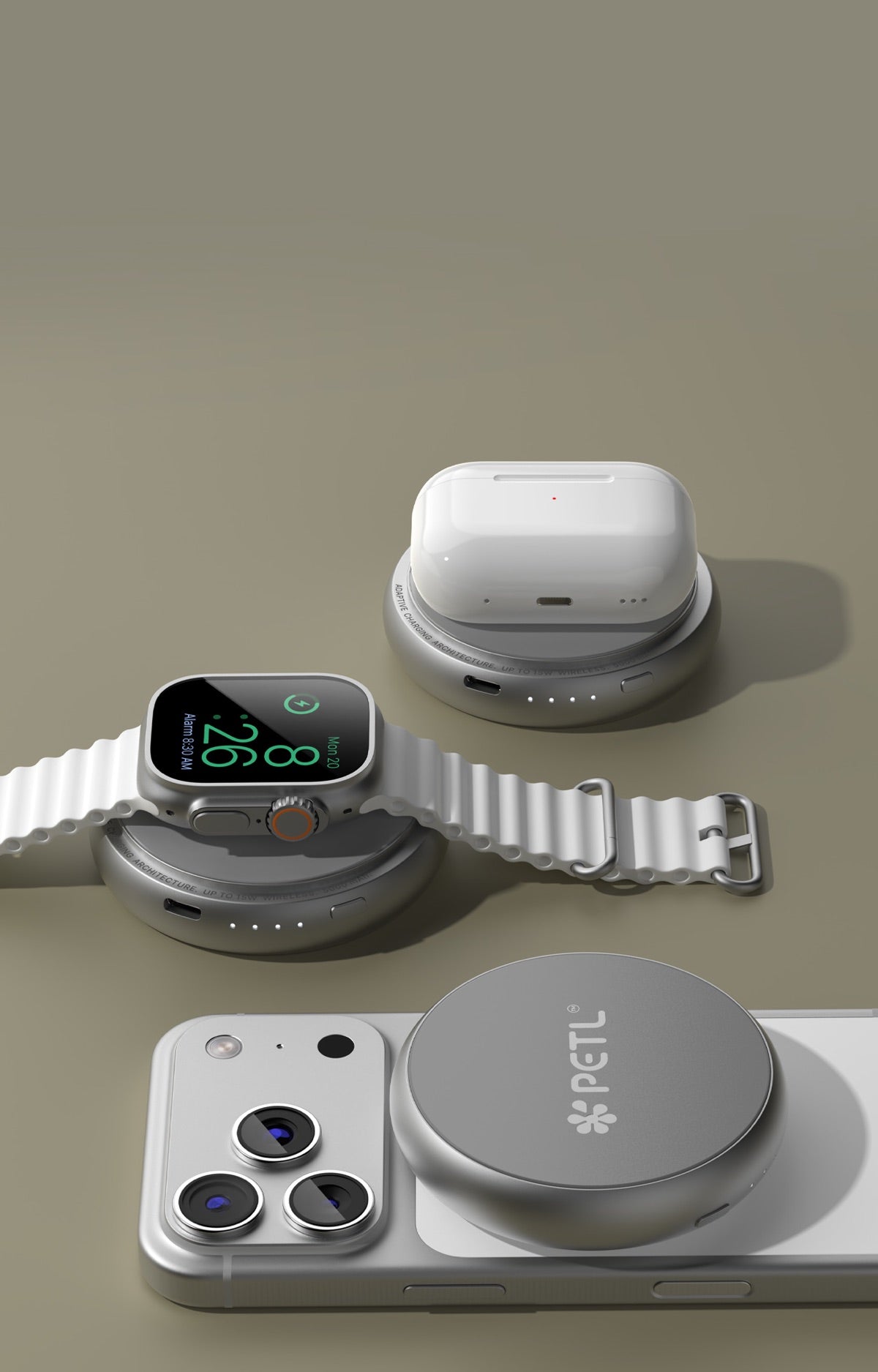
- Intelligent power delivery. PETL detects the connected device and delivers only the power it needs — 5W, 7.5W, or 10W — rather than pushing maximum current at all times. For Apple Watch, it steps down to a focused 2.5W.
- Short-circuit and overcurrent protection. Built-in short-circuit protection with auto-recovery and Type-C overcurrent limits guard against electrical faults.
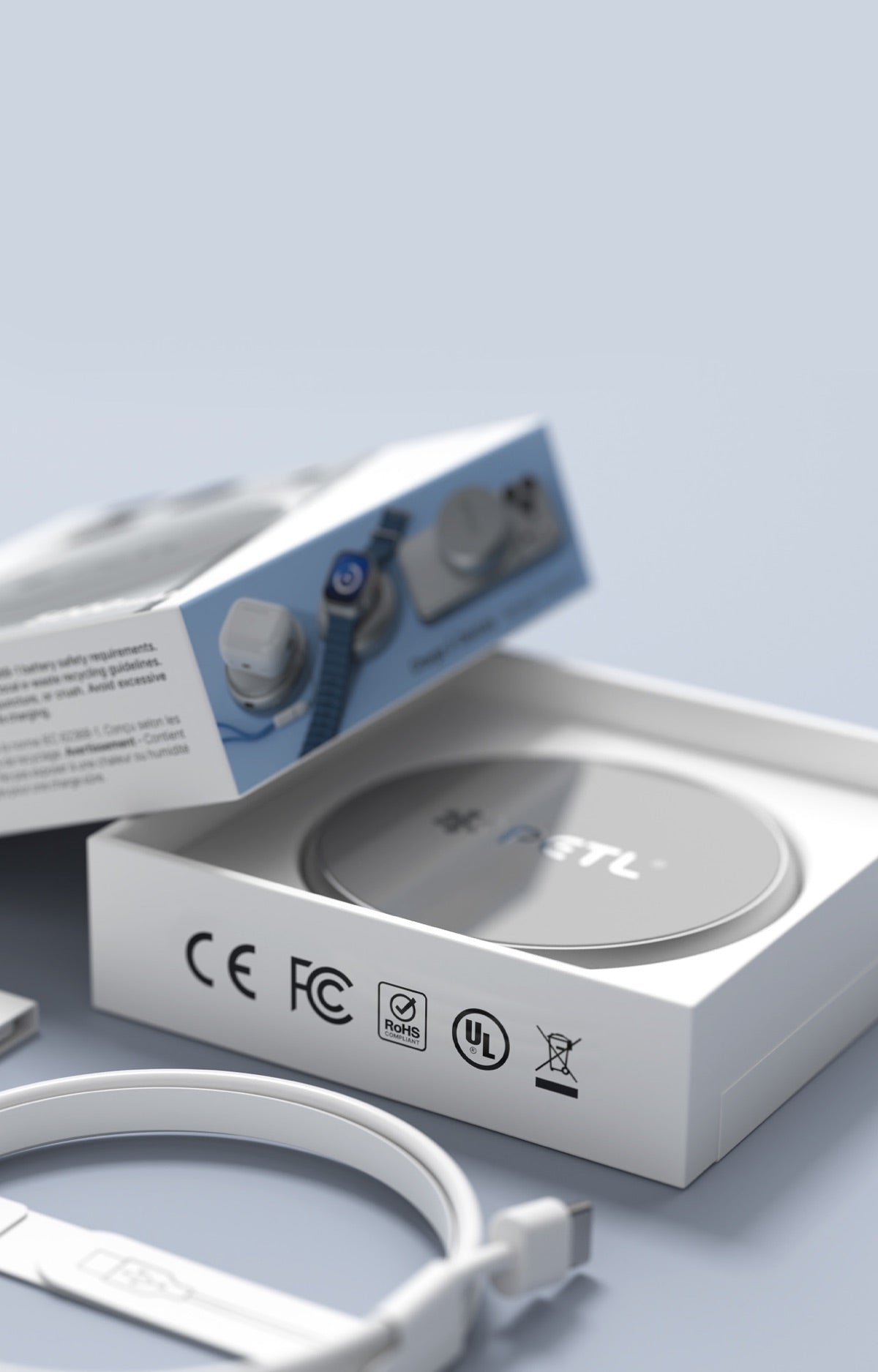
- Global safety certifications. Every PETL meets CE, FCC, RoHS, UL, and WEEE standards.
- Quality cell design. A rechargeable lithium-ion cell housed in a CNC aluminum bezel and tempered glass — the aluminum also helps dissipate heat naturally as a passive thermal pathway.
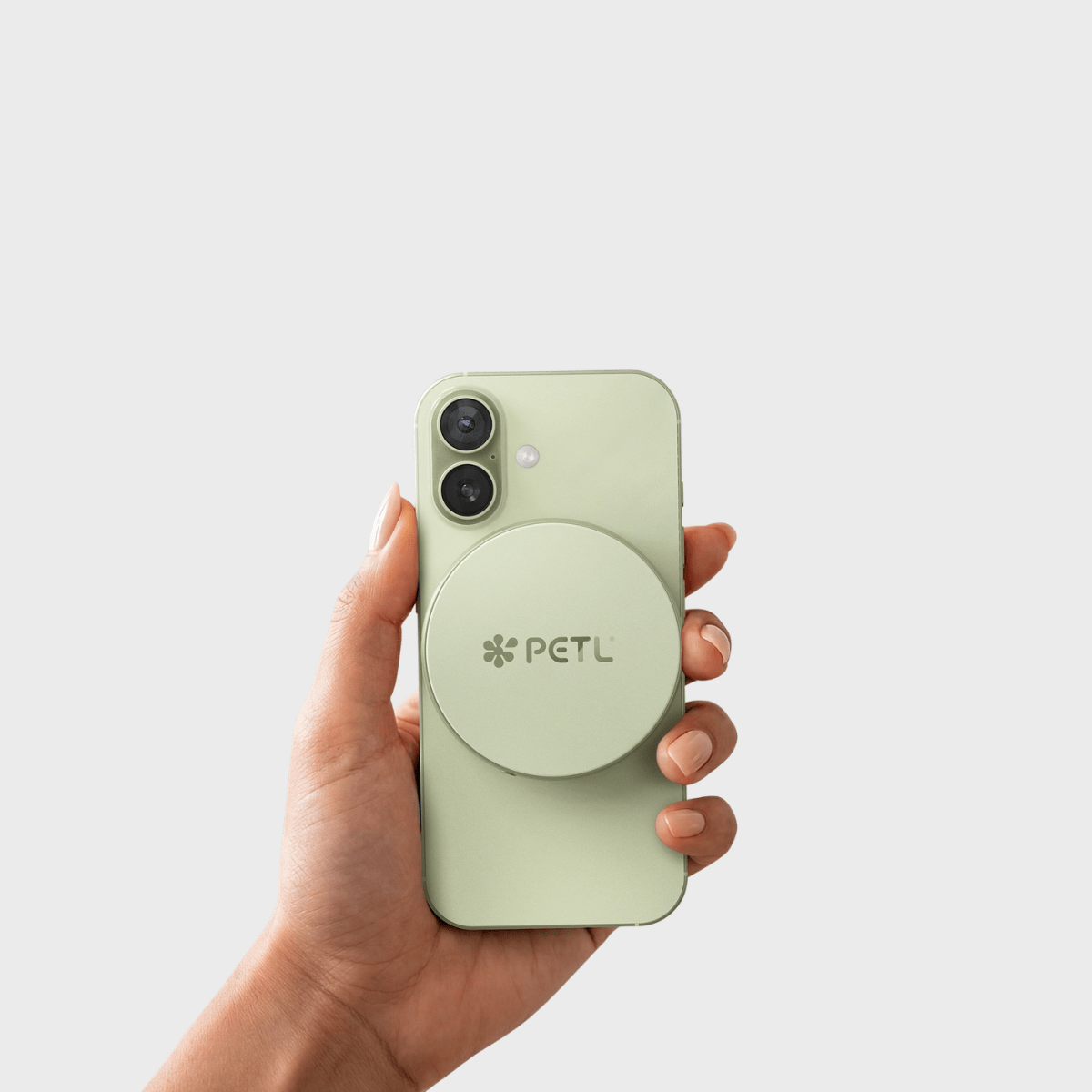
5 tips to keep your PETL running cool
- Charge in open air. Avoid trapping the pack under pillows, blankets, or in a closed bag while it's working.
- Remove thick cases when possible. Heavy or insulating cases hold heat against both your phone and PETL.
- Skip the hot car and direct sun. Ambient heat stacks on top of charging heat.
- Use a quality USB-C charger within PETL's input range (5V⎓2A / 9V⎓2A) when recharging the pack.
- Let it breathe between heavy uses. Back-to-back charge-and-recharge cycles generate the most warmth.
When to contact support
If your PETL feels excessively hot, swells, smells, or won't hold a charge, don't keep using it — reach out to our customer care team and we'll make it right. Premium products deserve premium support, and we'd rather replace a unit than have you second-guess your power.
Frequently asked questions
Does MagSafe make your phone hot?
MagSafe can cause mild warmth on both your iPhone and the battery pack — that's a normal byproduct of wireless inductive charging. Any energy not perfectly transferred becomes heat. What you should not experience is a device that's painful to hold, gives off odor, or swells. PETL's thermal management automatically throttles and cuts off charging before temperatures become unsafe.
Has there been any news about overheating issues with MagSafe battery packs from top manufacturers?
Occasional heat complaints exist across the category — including reports tied to some first- and third-party MagSafe packs. Root causes typically include misaligned coils, poor power regulation, and inadequate thermal management. PETL addresses all three: precise magnetic alignment minimises coil waste, intelligent power delivery (5W / 7.5W / 10W) matches output to device needs, and NTC thermal sensing throttles at 55 °C and cuts off at 60 °C.
Is it safe if my PETL gets warm while charging?
Yes. Mild to moderate warmth is normal and expected during wireless charging. PETL's NTC thermal management automatically throttles charging at 55 °C and cuts off entirely at 60 °C before temperatures become unsafe.
At what temperature does PETL stop charging?
PETL throttles wireless charging at 55 °C and cuts off charging entirely at 60 °C to protect the battery cell and your device.
Why does a MagSafe battery pack get warmer than a regular cable?
Wireless (inductive) charging is naturally less efficient than a direct USB-C cable connection. The small efficiency gap is released as heat on both the pack and the phone — it's physics, not a defect.
When should I worry about heat from my MagSafe battery pack?
If your PETL becomes too hot to hold comfortably, smells unusual, shows any physical swelling or deformation, or repeatedly shuts off mid-charge, stop using it immediately and contact PETL support. These are signs of a genuine issue, not normal warmth.

Share:
PETL Power Bank Reviews 2025 — The Best Circular MagSafe Battery Pack
PETL Charger Reviews 2026: Best MagSafe Power Bank for iPhone