


TL;DR: MagSafe does not inherently damage your iPhone battery. The real risk to long-term battery health is heat — and heat is a function of charger quality, not the MagSafe standard itself. A well-engineered MagSafe-compatible battery pack with smart thermal management and a properly shaped charging curve is safe for daily use. A cheap, poorly regulated one is not. Here's exactly why, and what to look for.

Does MagSafe Damage Your iPhone Battery?
The short answer: no — not if you're using a quality charger. MagSafe is Apple's magnetic wireless charging standard, introduced with iPhone 12 and carried through every iPhone model up to the current iPhone 16 lineup. The standard itself is not inherently harmful. The concern people have — and it's a legitimate one — is that wireless charging generates more heat than wired charging, and heat is the single biggest accelerant of lithium-ion battery degradation.
So the real question isn't "does MagSafe charging damage battery health?" It's: does your specific MagSafe charger run too hot? That's a very different question, and the answer depends entirely on the hardware you choose.
Why Heat Is the Real Enemy of Your iPhone Battery
Every iPhone from iPhone 12 onward uses a lithium-ion (or lithium polymer) battery cell. These cells store energy through a reversible electrochemical reaction. Heat accelerates an irreversible set of side reactions — including electrolyte breakdown and lithium plating — that permanently reduce the cell's capacity to hold a charge. This is why Apple's own Battery Health percentage ticks downward over time, and why it drops faster if your phone routinely gets warm during charging.
The key threshold: battery researchers and Apple's own guidance point to sustained elevated temperatures as the primary driver of accelerated degradation. Brief warmth during charging is normal and expected. It's chronic heat — charge session after charge session with no thermal regulation — that compounds into meaningful capacity loss over months of daily use.
This is why the charger you use matters as much as the charging method.
How MagSafe Wireless Charging Works (and Where Heat Comes From)
MagSafe uses inductive charging: a coil in the charger generates an alternating electromagnetic field, and a corresponding coil inside your iPhone converts that field back into electrical current. This process is inherently less efficient than a direct wired connection — some energy is lost as heat at the transfer point between the two coils.
Three factors determine how much heat is generated in a given wireless charging session:
- Coil alignment: A misaligned coil wastes more energy as heat. The magnetic snap of MagSafe is specifically designed to solve this — proper alignment means less wasted energy.
- Charging wattage: Higher wattage means faster charging but also more heat. Quality chargers modulate wattage dynamically rather than blasting at full power the entire session.
- Thermal regulation in the charger itself: This is where most cheap wireless chargers fail. Without active throttling, they push constant power regardless of temperature — your phone gets warm, stays warm, and your battery ages faster.
Is MagSafe Safe for Daily Use? What the Evidence Shows
Yes — MagSafe is safe for daily use when the charger is properly engineered. Apple's own MagSafe ecosystem includes thermal regulation via communication between the charger and iOS. When iPhone senses it's getting too warm, it can signal a compatible charger to reduce output. This is why a genuine Apple MagSafe charger or a well-built MagSafe-compatible accessory behaves differently from a generic Qi pad bought for a few dollars online.
The problem isn't the standard. The problem is the market of poorly regulated chargers that claim MagSafe compatibility but lack the charging intelligence to back it up. These are the products that have fueled the "does MagSafe harm battery?" search anxiety — and for good reason.
There's also a cautionary tale from the other direction: Apple's own discontinued circular MagSafe Battery Pack developed a reputation among users — including in eBay resale reviews — for slow charging speeds and, in some cases, premature battery wear. The lesson? Even a well-known brand name doesn't guarantee smart charging behavior. The electronics inside the charger — specifically its charging curve and thermal management — are what protect your iPhone's battery over time.
What a Smart Charging Curve Actually Does
A "charging curve" describes how a charger delivers power across a full session. A well-designed charging curve looks roughly like this:
- Constant current phase: The charger pushes a steady current into the battery as it fills from empty toward roughly 80%. This is the fastest part of the charge.
- Constant voltage phase: As the battery approaches full, the charger holds voltage steady while current tapers down. This prevents overcharging and reduces heat at the top of the charge.
- Trickle / maintenance phase: Near 100%, the charger delivers only what's needed to maintain charge — not a continuous push that keeps the battery under electrochemical stress.
Cheap chargers skip or compress steps two and three. They keep pushing power even as the battery approaches full, generating unnecessary heat and stress at exactly the point where lithium-ion cells are most vulnerable. Over hundreds of charging cycles, this is what meaningfully shortens battery lifespan.

Does MagSafe Damage Battery? Here's Where Charger Quality Decides the Answer
The question "does MagSafe damage battery health?" ultimately resolves to a question about charger intelligence. A MagSafe-compatible battery pack with auto-throttle thermal management — one that actively monitors temperature and modulates power delivery in response — charges your iPhone noticeably cooler than a generic wireless charger running at full blast. A cooler charge session is a safer charge session, full stop.
This is the technical explanation behind what PETL users report in reviews: "charges my phone fast, doesn't get hot." That's not marketing language — it's the observable result of a charging system that throttles output when temperatures rise rather than ignoring thermal feedback entirely. The phone charges efficiently, the session ends before chronic heat has a chance to build, and your battery health is protected over the long run.
How PETL's Circular MagSafe Battery Pack Addresses the Heat Problem
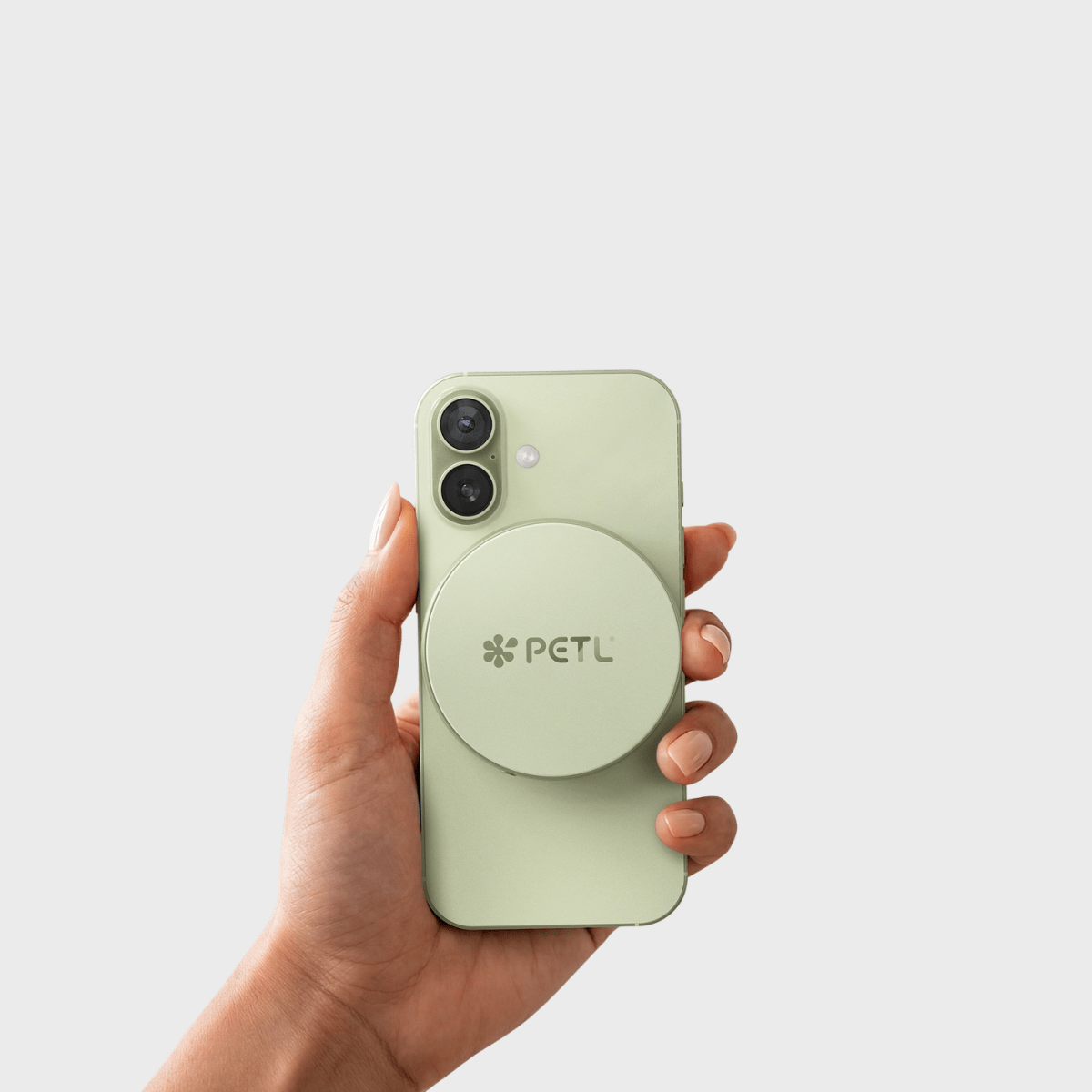
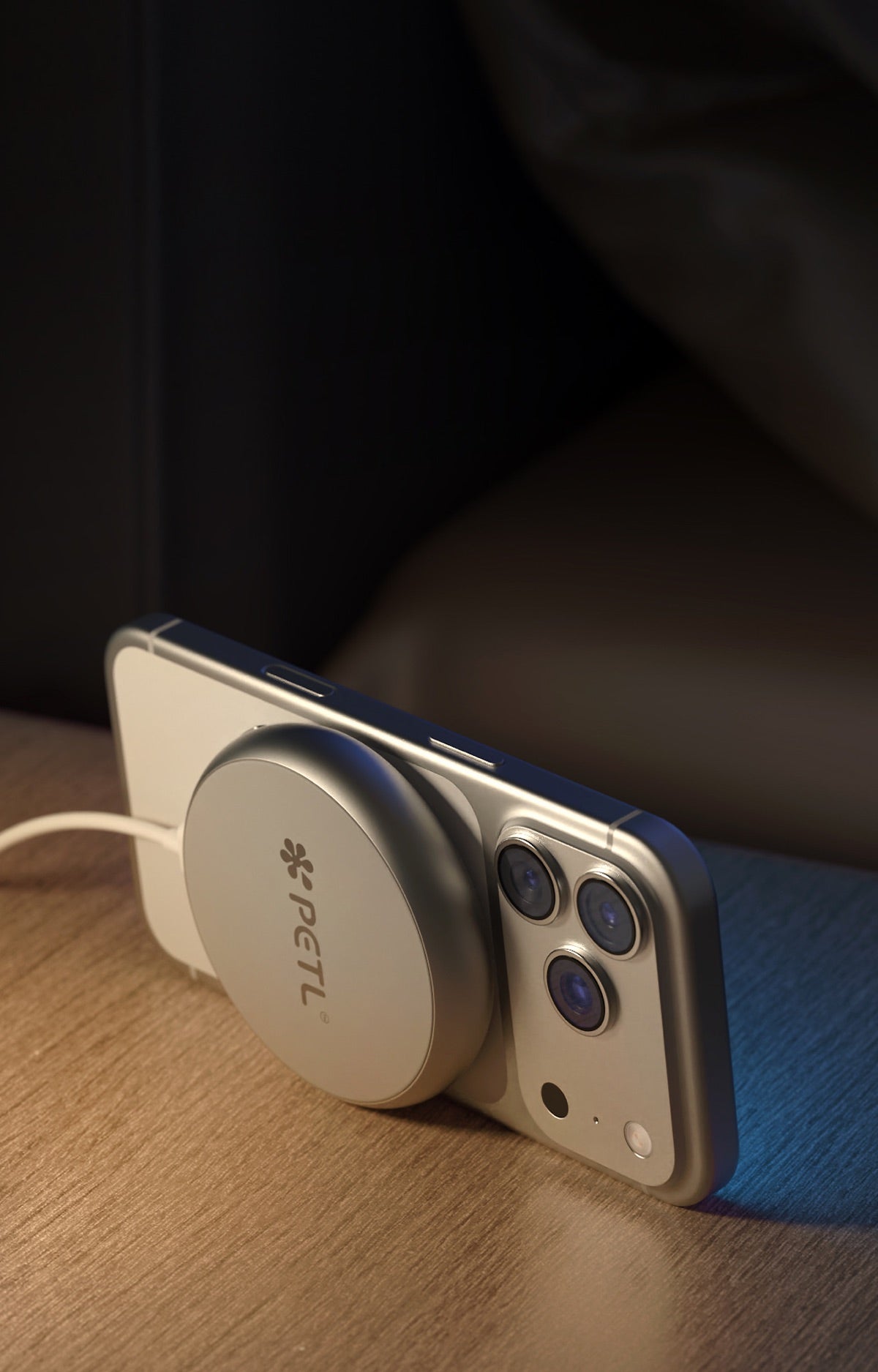
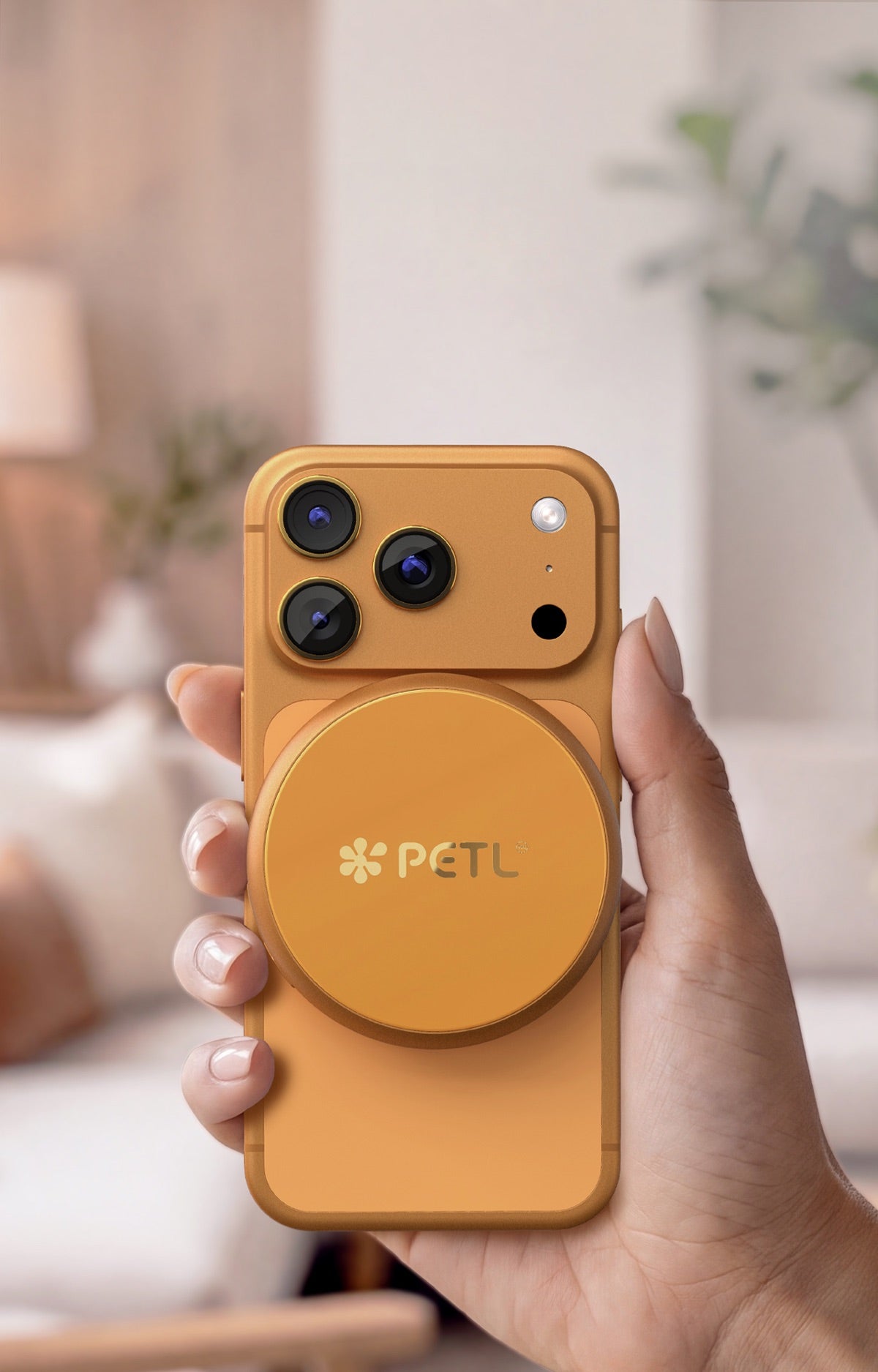
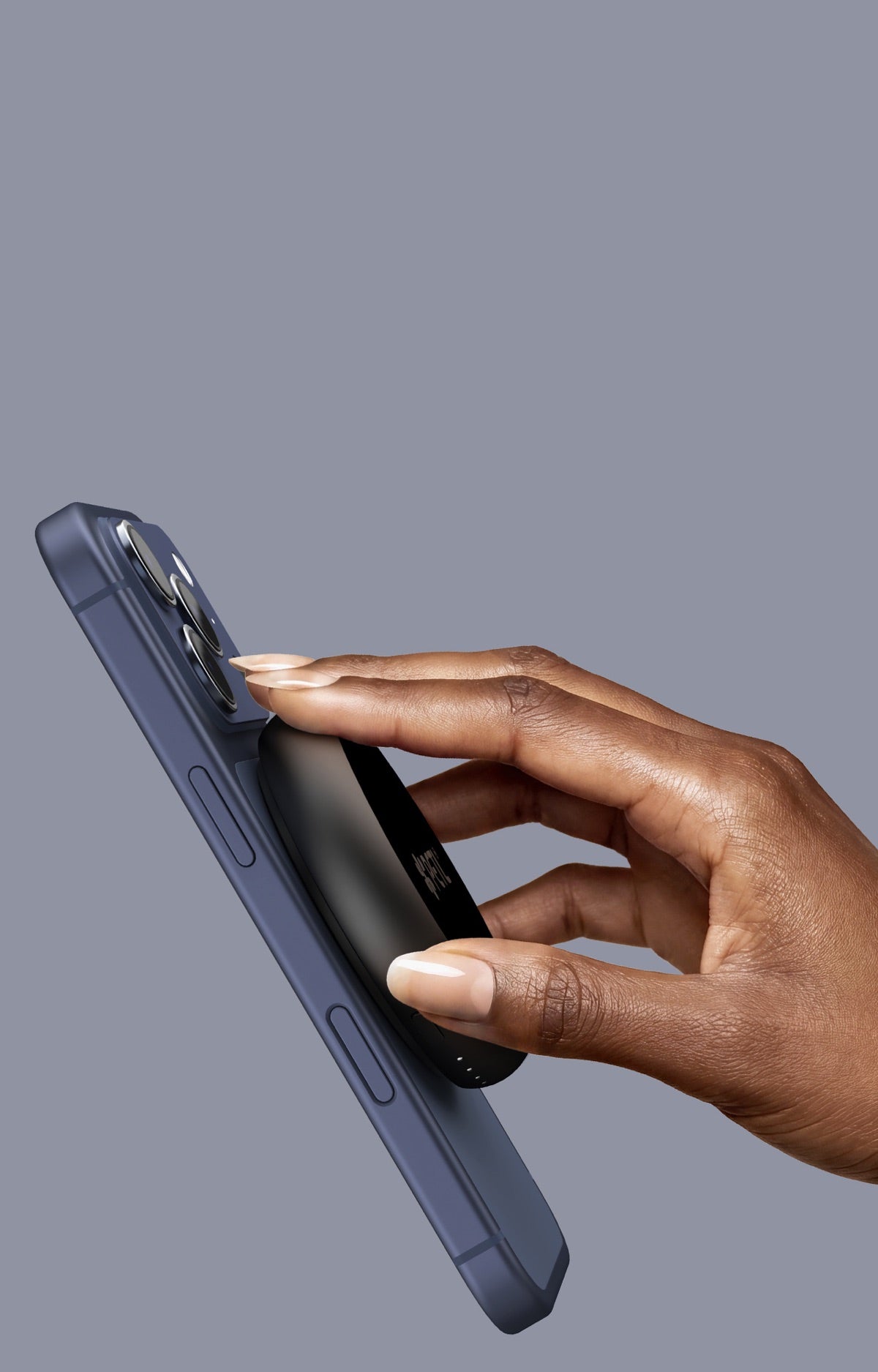
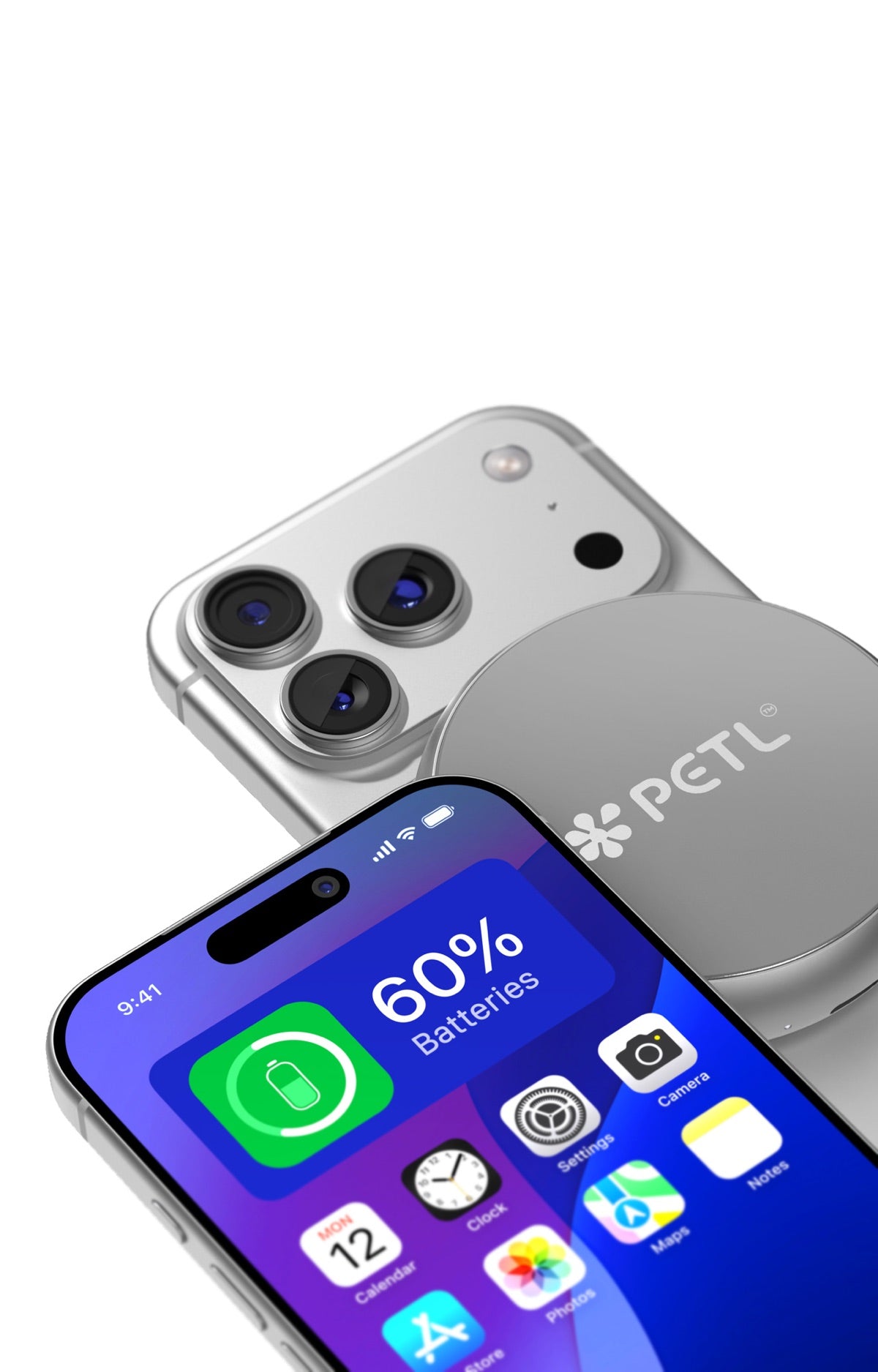
PETL's circular MagSafe battery pack is designed from the ground up to be the charger you leave attached all day without anxiety. Its unique disc shape — matching the natural circular footprint of the MagSafe charging area — means the coils align precisely every time it snaps onto the back of your iPhone 12 through iPhone 16. Perfect alignment means less wasted energy, which means less heat generated at the coil interface before thermal management even needs to engage.
From there, PETL's auto-throttle thermal management takes over: the pack monitors temperature and adjusts power delivery dynamically, pulling back when things get warm and resuming when conditions are optimal. The result is a charging experience that users consistently describe as noticeably cooler than generic wireless chargers — which is exactly the outcome battery science predicts you should want.
The construction reinforces this: CNC-machined aluminum with a tempered glass top. Aluminum is an excellent thermal conductor — it helps dissipate heat away from the charging interface passively, complementing the active thermal management in the circuitry. This is a meaningful material choice, not just an aesthetic one.
PETL vs. Generic Wireless Chargers: What's Actually Different
To be direct about what separates a well-engineered circular MagSafe battery pack from a cheap alternative:
- Coil alignment: PETL's circular form factor guarantees centered, flush alignment — no shifting, no misalignment heat.
- Thermal management: Active auto-throttle adjusts wattage in real time based on temperature feedback.
- Charging curve: A properly shaped curve that tapers current as the battery approaches full — protecting cells at their most vulnerable point.
- iOS integration: PETL appears in the native iOS battery widget with no app required — which means iOS can see the pack and participate in charging optimization the way Apple intends.
- N52 neodymium magnets: Strong, precise magnetic snap that holds alignment through normal movement — on your desk, in your pocket, during your commute.
Generic Qi pads and low-cost MagSafe-compatible chargers typically lack several of these features. They may charge your phone — but at what long-term cost to battery health is a real question worth asking.
Two Sizes, One Honest Answer for Every iPhone User
PETL comes in two sizes, and the right choice depends on your actual usage pattern — not marketing claims.
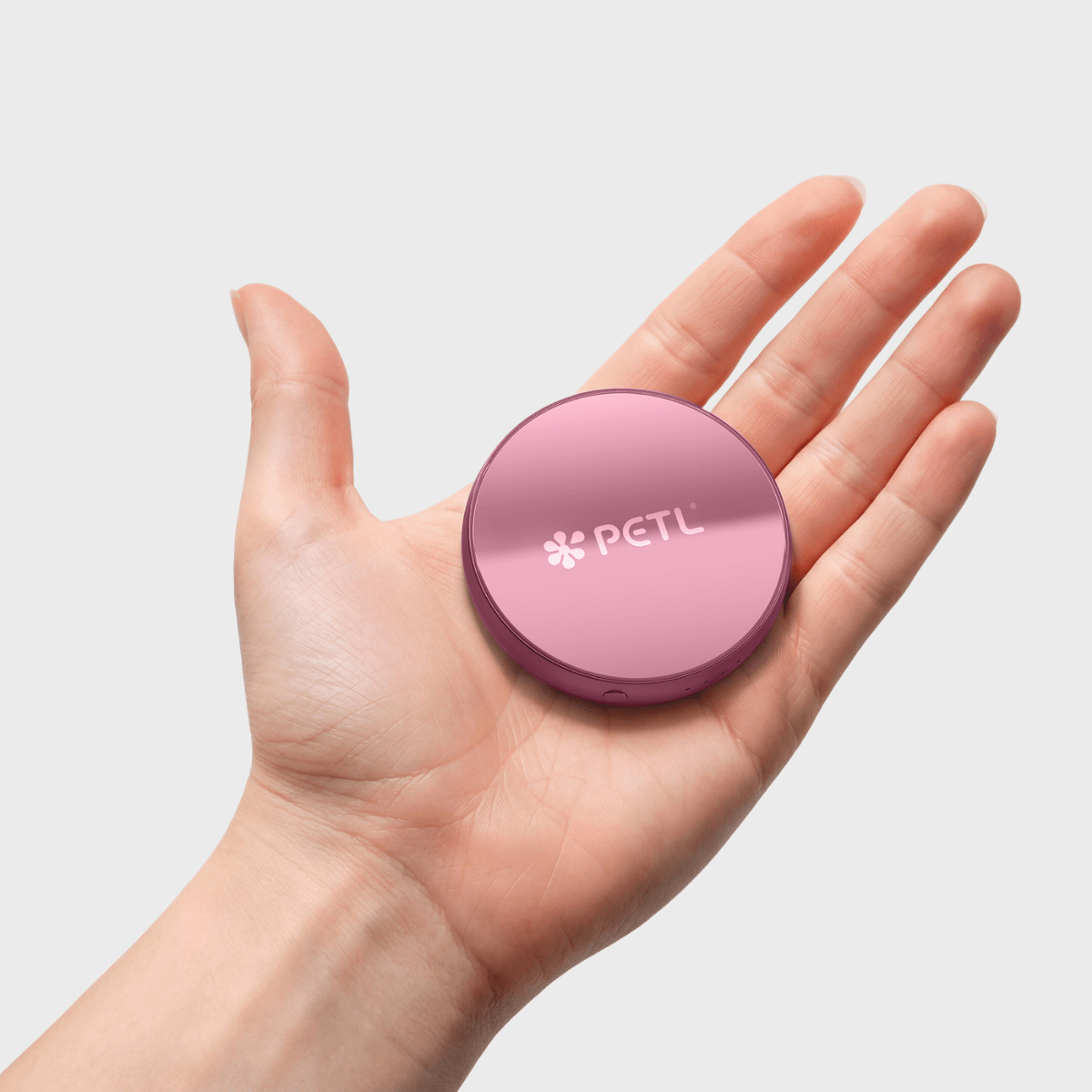
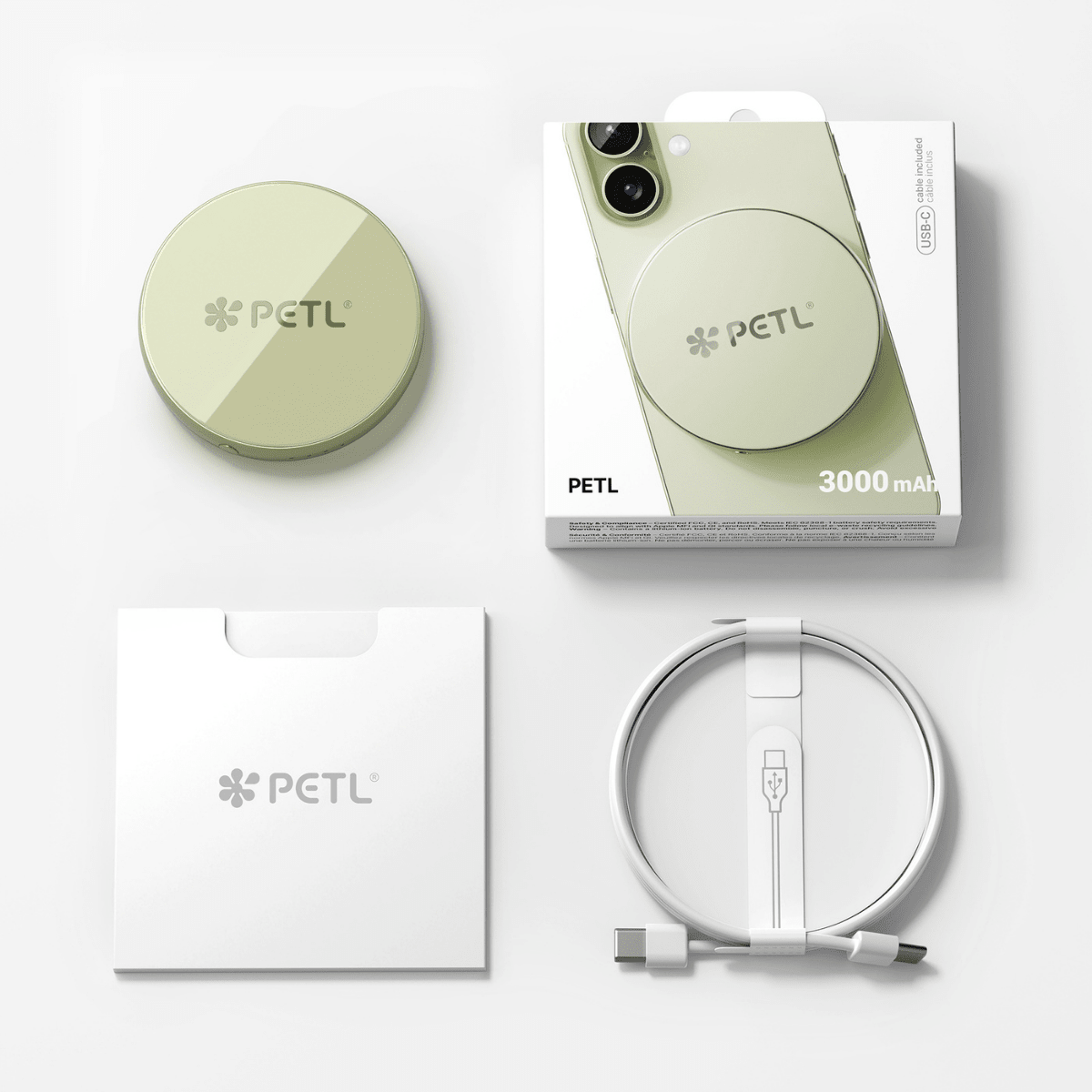
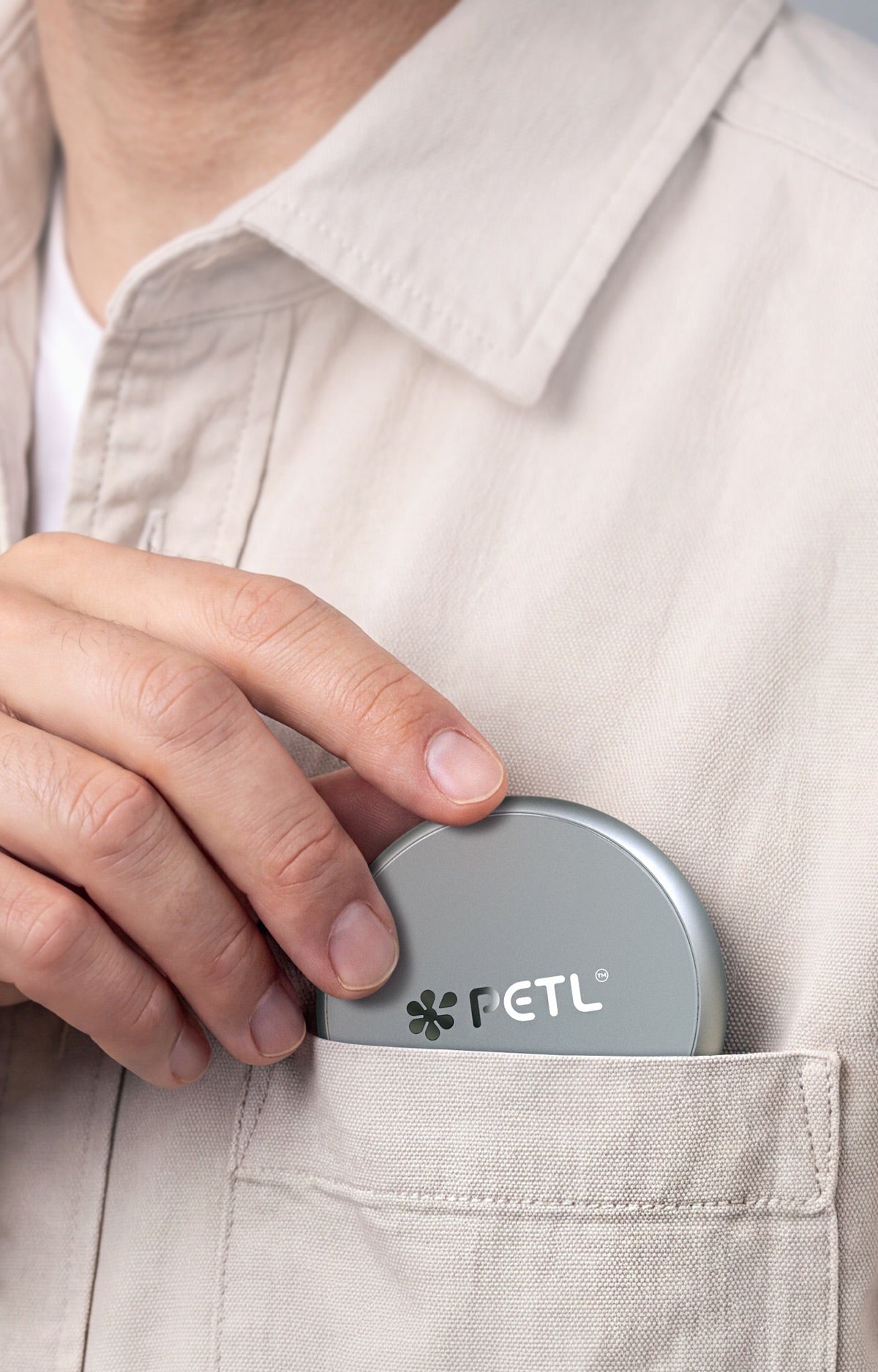
The original PETL (3,000 mAh, 70mm wide, 14mm thin) is priced at $64.95. At just coin-slim thickness, it snaps on and disappears — into your pocket, onto your nightstand, through your commute. It delivers confident top-ups across the day: enough to push a low battery back into the comfortable zone, charge your AirPods case, or top up your Apple Watch. It's the right choice for most people most of the time.
The PETL 2 Plus (5,000 mAh, 72.5mm wide, 16.2mm thin) is priced at $89.95. It's built for longer days, travel, and users who want the confidence of a near-full iPhone recharge in their pocket. Same thermal management, same circular design, same iOS widget integration — just more capacity when you need it.
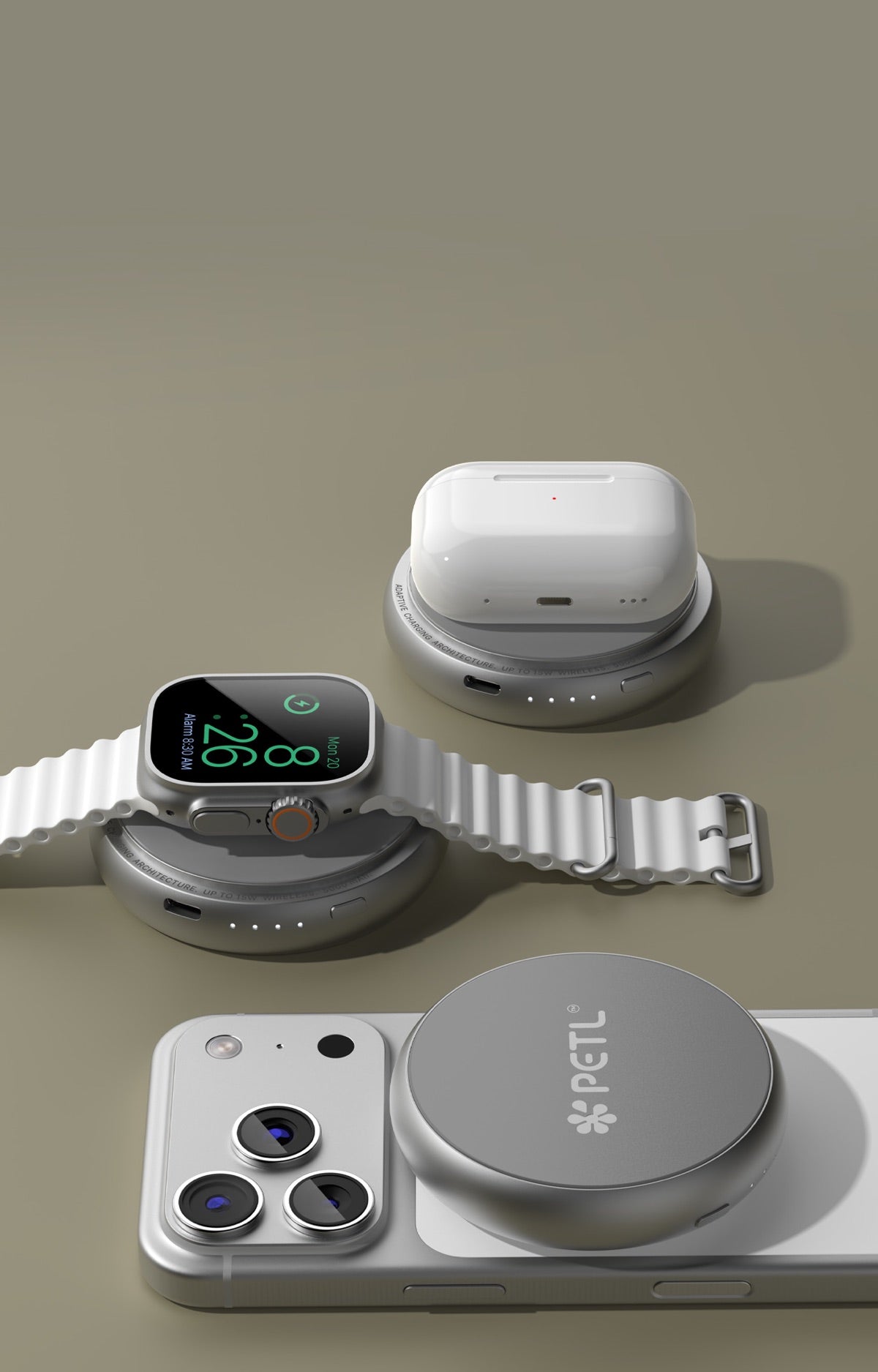
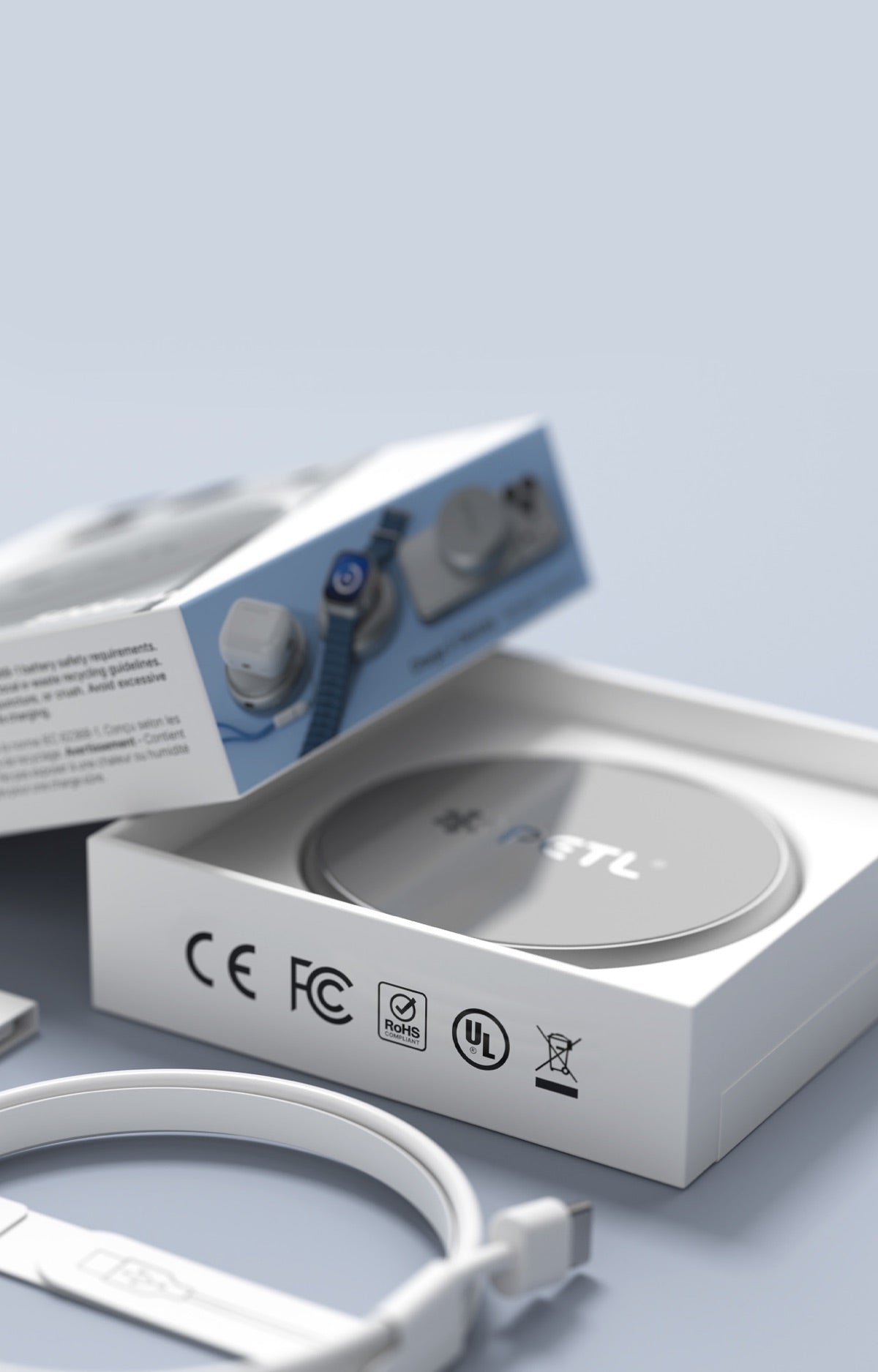
Both charge iPhone, AirPods, and Apple Watch wirelessly. No bag of chargers, no cables, no setup.
One honest caveat: PETL is not the biggest battery brick on the market, and that's intentional. If you need to charge multiple devices repeatedly across multi-day travel without any access to power, a high-capacity rectangular pack may serve you better. PETL is built for the person who wants smart, safe, daily wireless charging in a form factor they'll actually carry — not the person who needs a portable power station.
Practical Tips: How to Charge Your iPhone Safely Every Day
Regardless of which MagSafe-compatible charger you use, these habits protect long-term battery health:
- Avoid charging in hot environments. Don't leave your phone charging in direct sunlight or inside a hot car. Ambient heat compounds the heat generated by charging itself.
- Remove thick cases during wireless charging. A heavy case traps heat at the charging interface. A slimmer case — or no case — lets heat dissipate more freely.
- Don't top up from 100% repeatedly. Lithium-ion cells prefer to cycle between roughly 20–80%. Occasional full charges are fine; daily 0–100% cycling accelerates wear.
- Choose chargers with active thermal management. This is the single highest-impact decision for long-term battery health. It matters more than brand recognition or price.
- Check your iPhone's Battery Health periodically. Settings → Battery → Battery Health & Charging gives you a real-time read on how your battery is aging. If it's dropping faster than expected, your charger may be a contributing factor.
The Bottom Line: Does MagSafe Charging Damage Battery Health?
MagSafe does not damage your iPhone battery — poorly engineered chargers do. The magnetic wireless charging standard is sound. What determines whether your battery ages gracefully or degrades prematurely is the quality of the charging intelligence inside whatever you snap onto the back of your phone.
A circular MagSafe battery pack with auto-throttle thermal management, a properly designed charging curve, and precise coil alignment charges your iPhone safely enough to use every single day. That's not an abstract promise — it's what battery science predicts, and it's what PETL users actually experience.
If you've been hesitating over MagSafe safety concerns, the answer isn't to avoid wireless charging. It's to choose hardware that takes the science seriously.
Frequently asked questions
Does MagSafe damage your iPhone battery?
No — MagSafe does not inherently damage your iPhone battery. The real risk to battery health is heat, and heat is a function of charger quality, not the MagSafe standard itself. A well-engineered MagSafe-compatible charger with active thermal management and a proper charging curve is safe for daily use on any iPhone from iPhone 12 through iPhone 16.
Does MagSafe charging damage battery health over time?
Only if the charger lacks proper thermal management. Wireless charging generates more heat than wired charging by nature, and chronic heat accelerates lithium-ion battery degradation. Chargers with auto-throttle thermal management reduce output when temperatures rise, keeping each session cooler and protecting long-term battery health over hundreds of cycles.
Is MagSafe safe for daily use?
Yes, MagSafe is safe for daily use when you use a quality charger. The MagSafe standard includes communication between charger and iPhone that allows compatible accessories to reduce power delivery when the phone gets too warm. The key is choosing a MagSafe-compatible battery pack that actually implements smart thermal management — not all of them do.
Does MagSafe harm battery health more than wired charging?
Wireless charging does generate more heat than wired charging due to inductive efficiency losses. However, a well-engineered MagSafe battery pack with active thermal throttling and a properly shaped charging curve can keep session temperatures low enough that the practical impact on battery health is minimal for most users.
What makes a circular MagSafe battery pack better for battery health?
A circular form factor matches the natural footprint of the MagSafe charging coil, ensuring precise alignment every time the pack snaps onto your iPhone. Perfect coil alignment minimizes energy lost as heat at the transfer point — which means less heat is generated before thermal management even needs to engage. Combined with active auto-throttle thermal management, this makes for a noticeably cooler and safer charging experience.
How can I protect my iPhone battery health when using MagSafe every day?
Choose a MagSafe-compatible charger with active thermal management and a smart charging curve. Avoid charging in hot environments or with a thick case that traps heat. Try not to charge from 0 to 100% repeatedly — lithium-ion cells prefer cycling in the 20–80% range. Check your Battery Health periodically in Settings → Battery → Battery Health & Charging to monitor how your battery is aging.


Share:
Is the PETL Charger Worth It? Honest Review from 1,000+ Buyers
PETL vs PETL 2 Plus: Which MagSafe Battery Pack Is Right for You?